


Online meetings have long ceased to be something unusual. Today they are an everyday work tool: stand-ups with colleagues, negotiations with partners, employee training, presentations for clients. Even corporate celebrations and team-building events are often held in the video conferencing format.
In recent years, video conferencing has evolved significantly. If earlier these were simple calls with not very good video quality, now we increasingly see full-fledged work platforms where you can share files, run group chats, host webinars, and even record meetings.
The market is growing rapidly: annual growth — 10–15%. That’s why choosing the right tool is getting more and more difficult: there are dozens of solutions, from free and simple to heavyweight enterprise systems.
In this review, we have collected the most popular solutions for video conferencing. We relied on fresh rankings, tests by independent publications (PCMag, ZDNet, etc.), as well as the experience of the users themselves. At the end, we will separately analyze the Russian platform eXpress — a solution that focuses on security and corporate scenarios.
Why are video conferences so important in 2025?
With the development of 5G, AI, and cloud computing technologies, video conferences have become productivity tools. They integrate with calendars, CRM systems, and even AI assistants that transcribe speech, generate summaries, and help with analysis. This saves businesses a lot of time and money, since there is no need for business trips, and teams can work from anywhere in the world. Education has moved to online lessons, medicine has turned into telemedicine.
However, there are problems as well: data security, connection quality, and interface convenience. Therefore, in 2025 companies’ attention is focused not only on functionality, but also on stability, security, and simplicity of solutions. That’s why in this review we rely on competitors to highlight strengths and weaknesses.
According to recent rankings, the market is led by Zoom, Microsoft Teams, Google Meet, Cisco Webex, and GoToMeeting. They are popular thanks to scalability and numerous integrations. But businesses in Russia are increasingly choosing local solutions that take into account the requirements of Federal Law 152 and ensure data storage within the country. Below we will talk about some of them.
Overview of popular video conferencing services
Below is a brief overview of the most popular solutions, their strengths and weaknesses.
Kontur.Tolk: a tool for business and government agencies
Kontur.Tolk was created at SKB Kontur and was initially aimed at corporate and government customers. It is a platform for meetings, webinars, and collaboration.
What’s important:
- high level of protection and data storage in Russia;
- joining meetings without installing applications;
- support for large conferences and built-in chats, recording, and screen sharing.
Kontur.Tolk is often chosen by organizations for which compliance with Russian legislation and infrastructure reliability are critical. Users of the service also note an intuitive and convenient interface that looks modern and pleasant.
eXpress: a secure platform for business communications
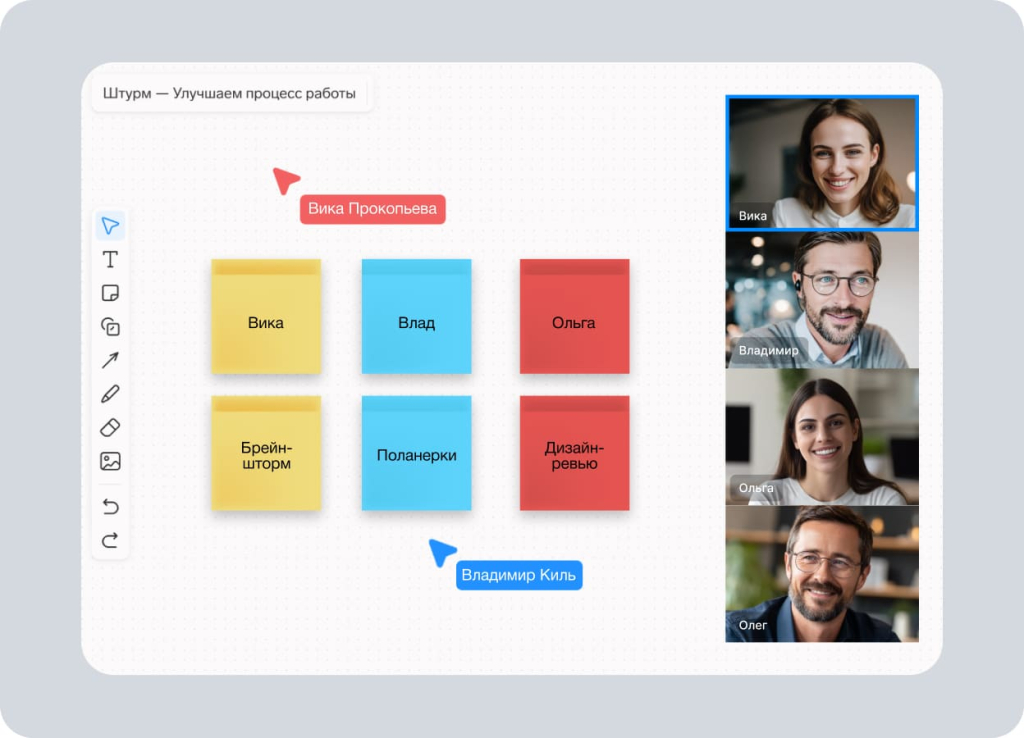
eXpress is a Russian communication platform that combines instant messaging, audio and video calls, file sharing, and integration with business systems. Video conferencing is built directly into the work environment: users can start a meeting straight from a chat or join one via their calendar.
To determine how well the service suits corporate needs, it is worth taking a closer look at its video conferencing features:
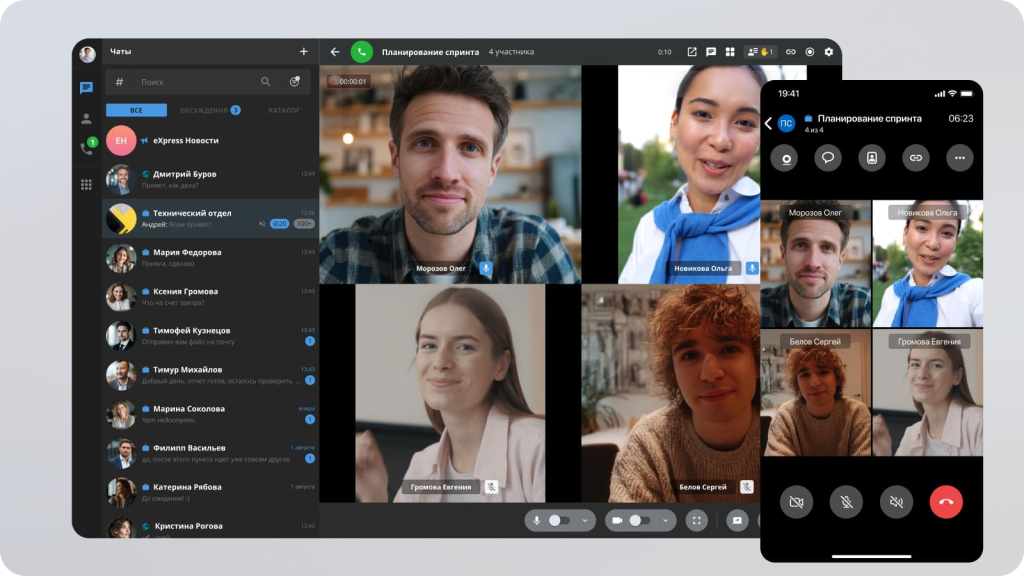
- conferences for up to 512 participants with no time limits;
- meeting recording, automated transcription, and meeting summaries;
- conference scheduling via calendar and the ability to launch calls quickly from chats;
- waiting rooms, participant management, and password protection for conferences;
- guest access via a link—convenient for connecting with external contractors;
- reactions, "raise hand" functionality, virtual backgrounds, remote screen control, and other interactive features.
In addition to video conferencing, eXpress offers other tools for corporate work:
- chatbots based on BotX—these allow for the automation of notifications, approval processes, and other workflows, as well as the retrieval of information from corporate systems directly within the messenger.
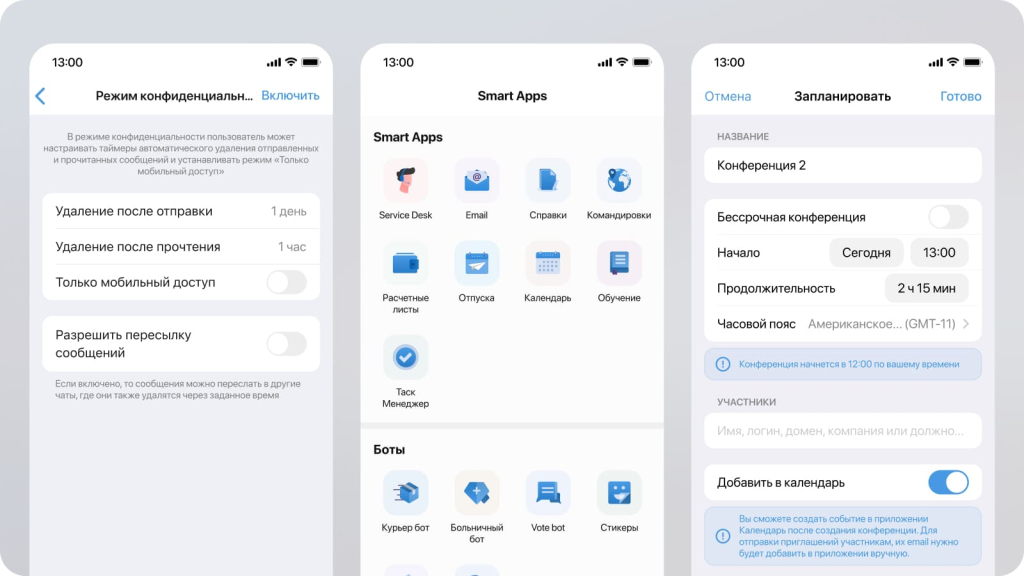
A key feature of eXpress is its security: calls and video conferences are protected by end-to-end encryption, while meeting access can be restricted via passwords and managed through a virtual waiting room. To safeguard corporate data, the platform offers role-based access control and the option for an on-premise deployment, giving companies full control over their infrastructure and data storage. Furthermore, eXpress holds a certificate from the FSTEC of Russia, confirming that the platform meets established information security requirements.
Several corporate subscription plans are available for businesses, including the cloud-based "eXpress Lite," starting at 200 rubles per user per month. The features and pricing for other versions vary depending on the chosen configuration and deployment model. There is also a public version available for download from all major app stores, as well as web and desktop versions for PC.
Benefits for Business
In short, eXpress is a platform that covers all business communication needs within a single ecosystem, while meeting the security requirements that are particularly critical in the Russian context.
- Focus on enterprise-grade security: The platform was designed specifically as a solution for the corporate sector.
- Federated protocol: Enables communication between different organizations without the need for complex approval processes. This is particularly important if a company interacts regularly with contractors and partners.
- Support for distributed teams: The platform is well-suited for collaboration among employees across different departments, branches, and remote offices.
Comparison with international services
- Functionality: In terms of core video conferencing capabilities, eXpress is comparable to Zoom and Microsoft Teams; it supports group meetings, screen sharing, recording, and guest access.
- Deployment and management: Unlike Zoom, which operates primarily on a cloud-based model, eXpress allows for deployment within a company’s own infrastructure.
- Operations in Russia: Using a Russian-developed solution helps reduce reliance on foreign providers and mitigates risks associated with potential restrictions on access to international services.
- Ecosystem: While international platforms may offer a broader range of global integrations, eXpress focuses on integrating with the corporate systems and infrastructure used by Russian organizations.
- Updates: The platform receives regular updates, including bug fixes and the addition of new features.
Who is eXpress for?
eXpress is suitable for both personal communication and professional collaboration within teams and companies of any size:
- Entrepreneurs and small businesses: Cloud-based...
Yandex Telemost: simplicity and accessibility
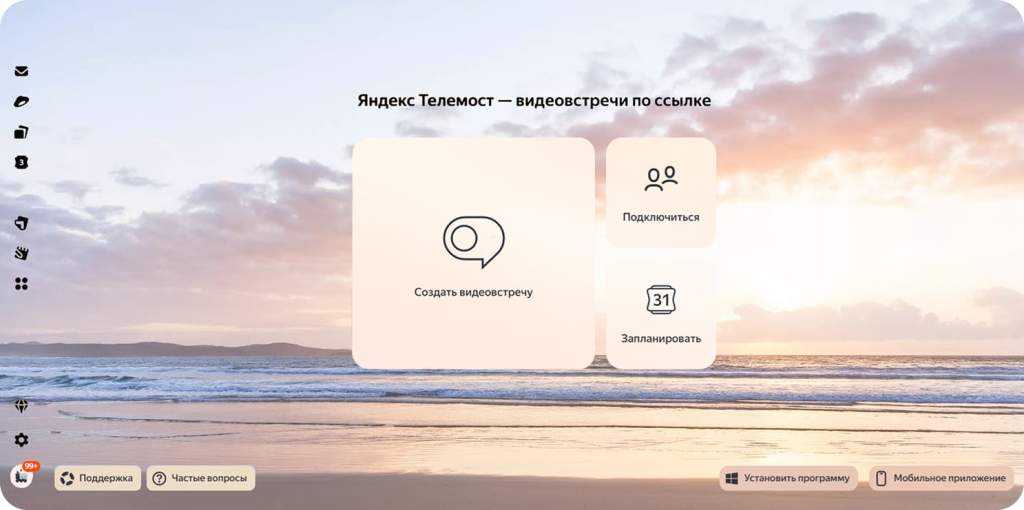
Yandex Telemost is a free video calling service in the Yandex ecosystem. To join, you don’t need to register, since you can follow a link in the browser.
Pros:
- easy to join even for those who don’t have an account;
- calls are protected by encryption;
- works in the browser and on a smartphone;
- screen sharing is available.
This service is suitable for small meetings, online lessons, or family calls. It is chosen by those who need the simplest possible tool without complex settings.
MTS Link Meetings: video conferencing with an AI assistant for business
MTS Link Meetings is a Russian service designed for video conferencing, online meetings, and team collaboration. It is well-suited for daily check-ins, negotiations with partners, job interviews, and employee training. Meetings can be held via a web browser or a mobile app.
A standout feature of the service is its built-in artificial intelligence tools. An AI assistant analyzes meetings, generates summaries of discussions, and records key decisions and assigned tasks. This saves employees from the manual task of taking minutes and allows them to quickly revisit agreed-upon points.
Pros:
- An AI assistant that summarizes meetings and highlights key decisions and tasks;
- Transcription and recording of video conferences;
- Screen sharing and collaboration tools;
- Integration with corporate calendars and other business services;
- Cloud-based and on-premise versions, with the option to deploy on the company’s own infrastructure;
- Data protection and compliance with Russian legal requirements.
MTS Link Meetings offers a free plan for conferences with up to 30 participants and a duration of up to 60 minutes. For corporate needs, paid plans with expanded features are available.
The service is suitable for both small teams looking for a simple online communication tool and large enterprises with stringent security and communication management requirements. It is particularly useful for organizations that hold frequent meetings and wish to use AI to reduce the time spent on summarizing outcomes.
TrueConf: video conferencing for work and education
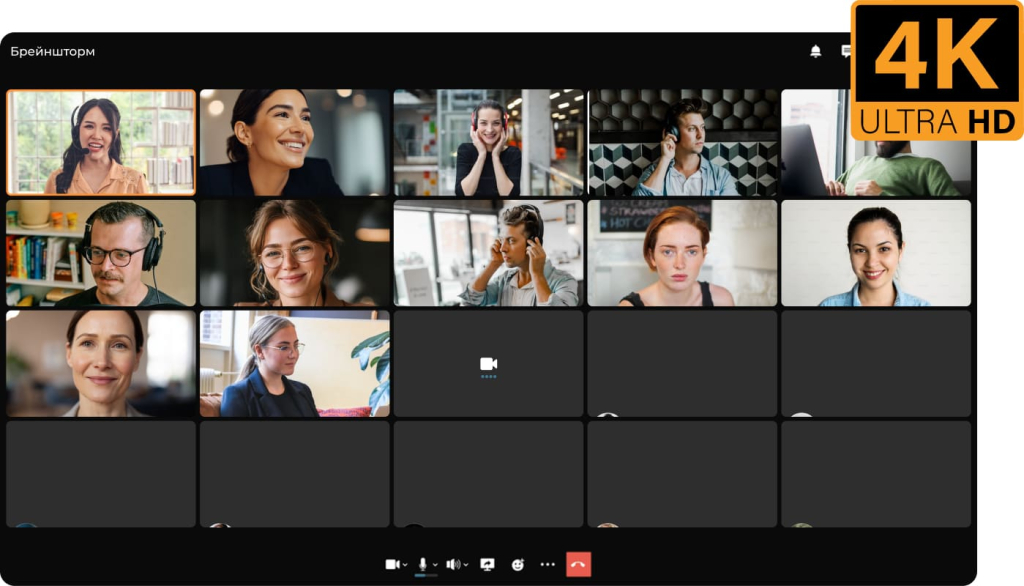
TrueConf is a platform for business, education, and government agencies. It supports 4K UltraHD video calls, large conferences of up to 1500 participants, and integration with Cisco, Poly, and Avaya equipment.
Advantages of TrueConf:
- compatibility with Microsoft Teams and Zoom;
- support for internal servers and local data storage;
- convenient for universities and government institutions that need protection and scale.
Suitable for government institutions where local data storage is required, large companies with internal servers, educational organizations, and businesses.
Zoom: a universal solution for video conferencing
Zoom is a service that during the 2020 pandemic literally saved offices, schools, and universities around the world. Many people first learned the word «Zoom» back then and still use it as a synonym for “video call.”
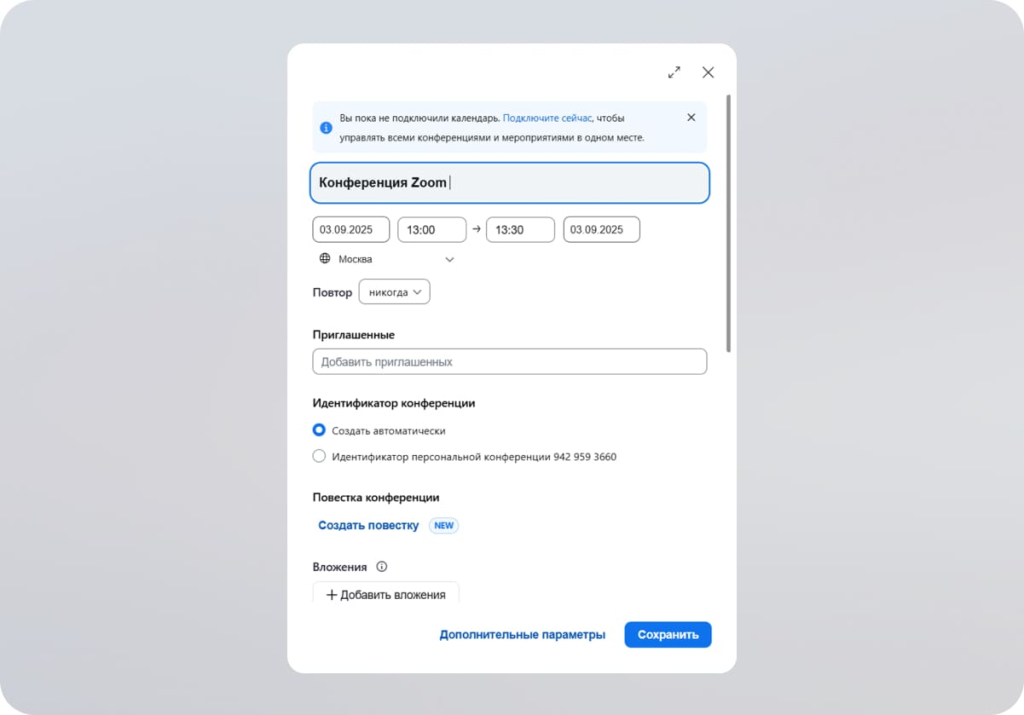
In 2025, the platform hasn’t gone anywhere and remains one of the most used — largely thanks to its simplicity. You can create a meeting in a couple of clicks, and the feature set covers almost all scenarios: from an ordinary call with colleagues to large lectures.
What users like:
- picture and sound are stable even with a suboptimal internet connection;
- you can split participants into groups (those same breakout rooms — very convenient for workshops or seminars);
- virtual backgrounds and interactive whiteboards make meetings a little less boring;
- there is chat, screen sharing, and the ability to record meetings.
Of interest — an AI assistant that automatically writes a summary of the meeting and highlights key points. In companies where dozens of meetings are held daily, this saves hours of manual work.
Pricing: the basic version is free, but there is a limitation — 40 minutes per meeting (a familiar pain for anyone who has ever held a long planning session). To remove the limit and add administration, you need to pay: from $13.33 per user per month.
Pros: simplicity, reliability, integrations with Google Calendar, Slack, and CRM.
Cons: that very limit of the free version and old security questions, although Zoom has improved protection in recent years.
Google Meet: simplicity for small business
Google Meet is all about minimalism. No installations, no extra windows. You can join via a link. For small businesses or educational projects this is a real lifesaver when there’s no time to deal with settings.
The free version allows up to 100 people, but with a one-hour limit. That’s enough for short meetings, but if a meeting drags on, you’ll have to either recreate the link or switch to a paid plan. Paid versions start at $7 per user per month and give a bit more freedom — up to 150 participants and call recording.
What sets Meet apart from competitors:
- automatic captions in 69 languages (often helpful when participants have different levels of English);
- AI-based prompts — for example, the service can prepare the agenda in advance;
- the ability to draw and leave notes right on the screen;
- stable video and audio even if the internet is not ideal.
Pros: everything works “out of the box,” deeply tied to Google Calendar and Gmail, and fits perfectly into the workflow of those who already live in the Google ecosystem.
Cons: lack of a full-fledged collaborative whiteboard and the fact that most features are unlocked only with a Workspace subscription.

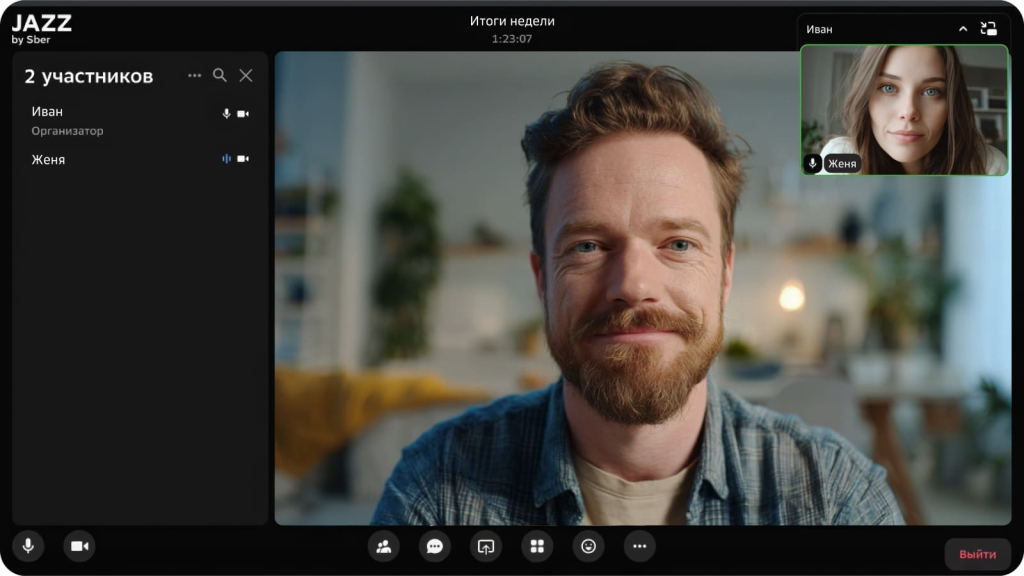
SaluteJazz: intelligent online meetings
SaluteJazz is a solution from the “Salut” ecosystem, created with an emphasis on convenience and accessibility. It works on smartphones, in the browser, and on Yandex devices (for example, smart speakers).
Platform features:
- voice control support — starting and managing calls is possible with the “Salut” assistant;
- integration with the Yandex ecosystem: the service works together with Yandex.Mail, Calendar, and Telemost;
- compatibility with mobile and desktop devices without the need for complex setup;
- simple group calls: the ability to quickly connect family, colleagues, or friends in one window;
- data security and encrypted connections.
SaluteJazz is aimed more at everyday use and small groups than at large businesses, but it is valued for its simplicity and minimalism.
Cisco Webex: enterprise-level classic
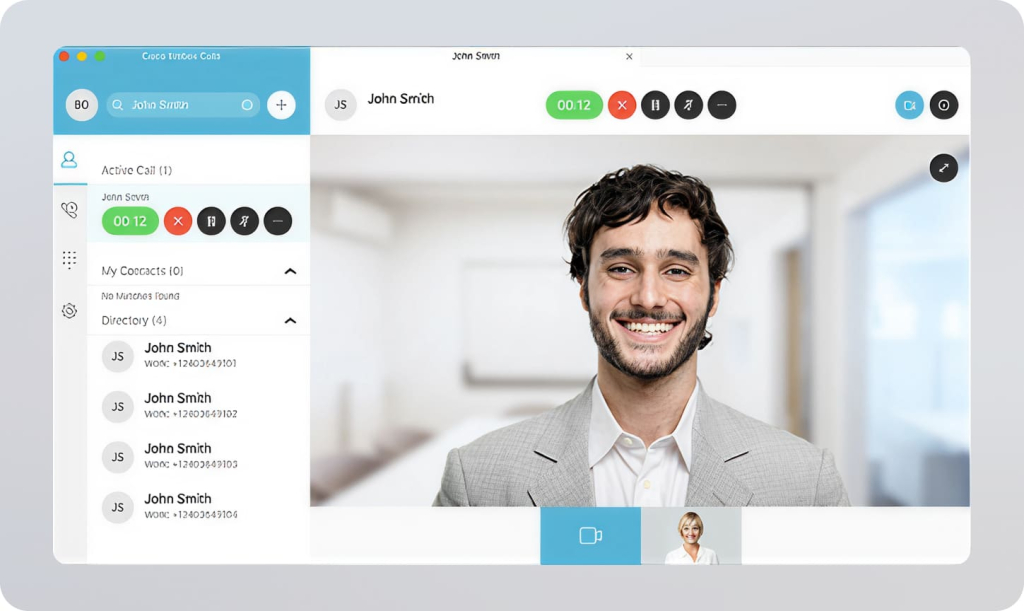
Cisco Webex is one of the oldest and most authoritative video conferencing services, well known to large corporations.
At the core of Webex is Cisco’s traditional focus on stability, scalability, and a high level of security, which makes it in demand among companies with strict data protection requirements. Key capabilities include an AI assistant that automatically creates meeting minutes and highlights key points, whiteboards for collaboration, built-in polling for interactivity, advanced analytics tools, and of course, meeting recording. Video calls are characterized by high quality and stable connections even with a large number of participants.
Webex’s pricing policy is traditionally business-oriented:
- the free version allows up to 100 participants with a 40-minute time limit;
- paid plans start at $12 per seat per month, supporting from several hundred to more than 1000 participants.
The service runs reliably even with a large number of participants, distinguished by high reliability and flexible scalability.
Pros: enterprise-grade architecture, serious security, scalability, support even for Linux clients.
Cons: high cost and an interface that many find less friendly than Zoom or Meet.
ClickMeeting: for business and education
ClickMeeting works right in the browser; no software installation is needed. This makes the platform popular among educational projects and companies for which quick connection is important.
Functionality:
- flexible interface customization and room branding;
- convenient polls and voting;
- the ability to record meetings and built-in analytics.
However, there are also limitations:
- with a large number of participants, stream stability may decrease;
- some advanced functionality is available only in expensive plans.
ClickMeeting is often used for webinars, training programs, and marketing events where simplicity and engagement analytics are important.

What to choose
The choice of a video conferencing service always depends on specific tasks. If you need to work with international teams and global integrations are important, you should look toward Zoom or Teams. For small businesses and educational projects, Google Meet is suitable: minimal setup and a quick start.
But if the priority is security, reliability, and confidence that the service won’t be switched off tomorrow, then eXpress looks like the optimal choice. You can try the service right now in the demo version on the website.