Role model
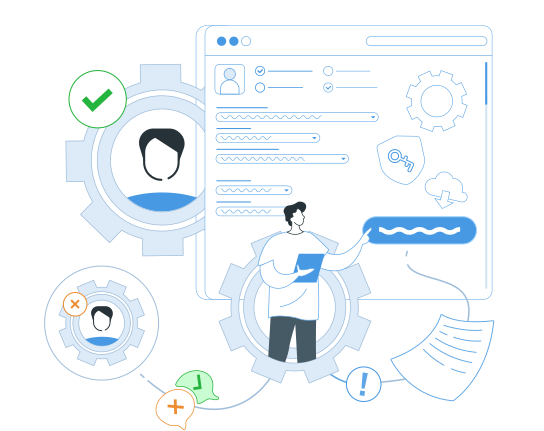
Manage open and confidential information in the eXpress application by setting up access by various attributes.
Create user groups, roles and security policies, ensuring reliable protection of confidential data within the corporate network.
Where is the eXpress Role Model Used?
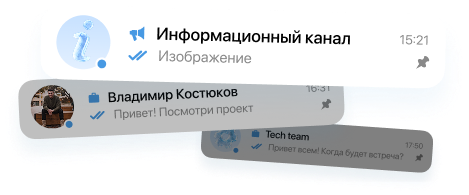
Chats, channels and discussions
Mini-apps inside eXpress
Role Model Opportunities




Convenient admin panel
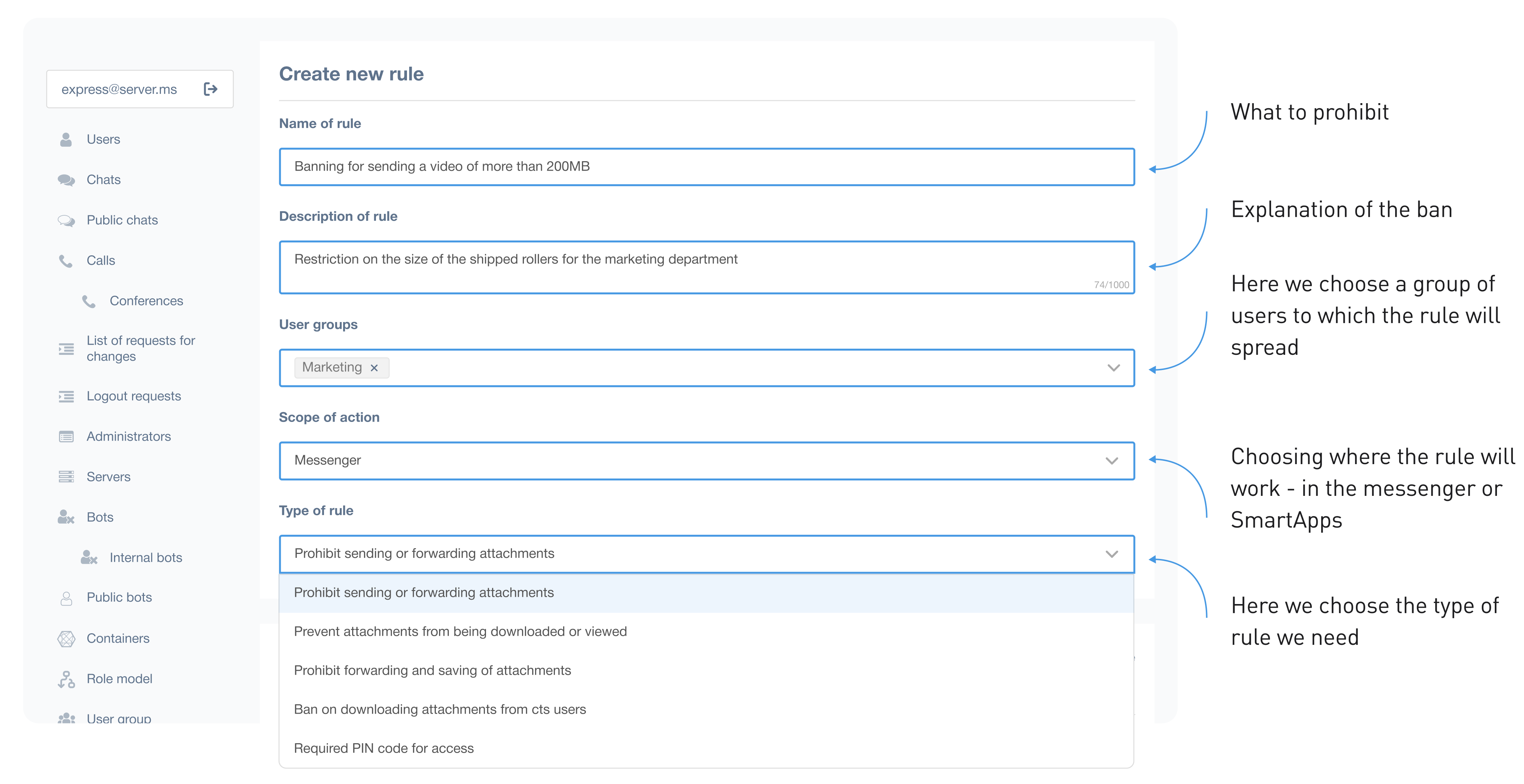
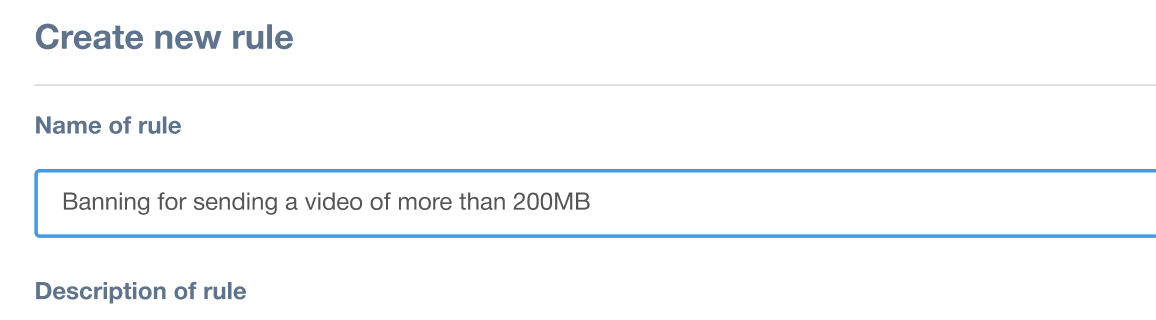
What to ban
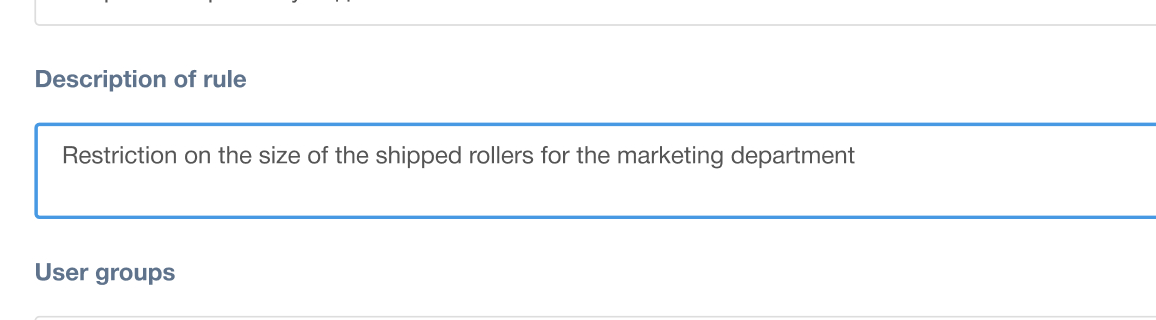
Explanation of the prohibition
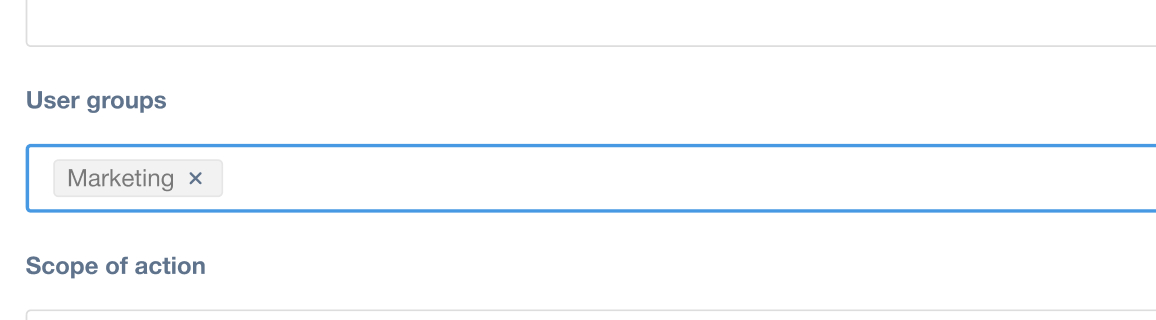
Here we select the user group to which the rule will apply
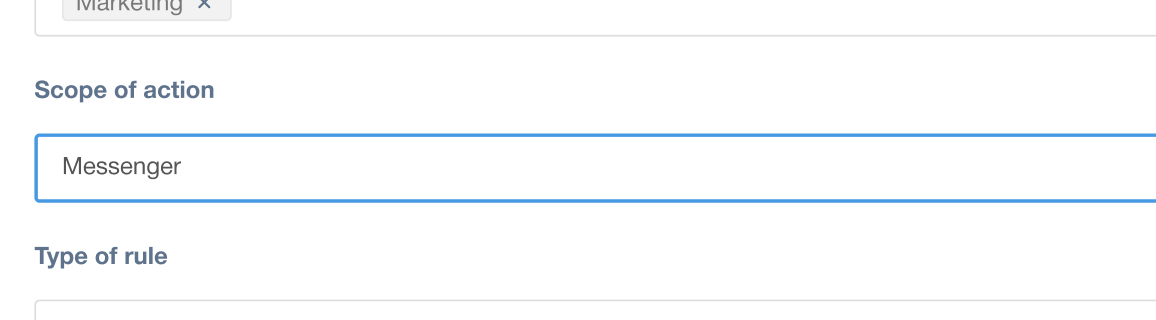
We choose where the rule will work - in the messenger or SmartApps
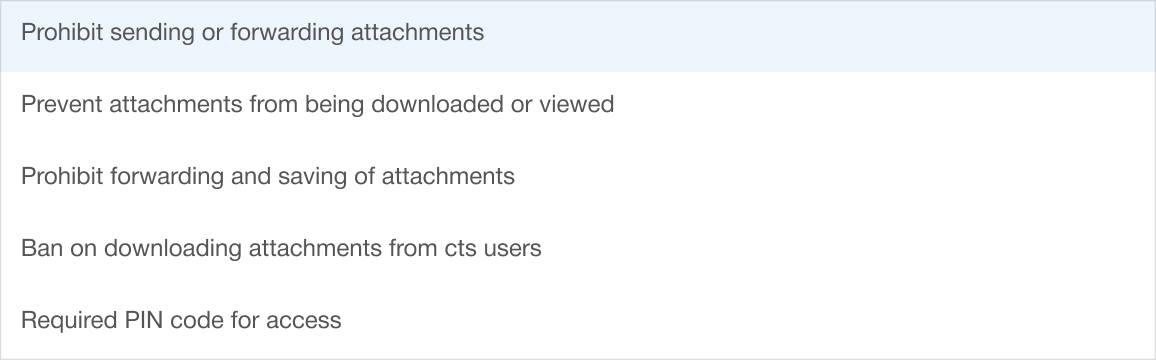
Here we select the type of rule we need
Risks in the absence of a role model

Risk of data leakage
Without delineation of rights, employees can gain access to confidential information, which increases the likelihood of data leakage.

Difficulty in access control
Administrators cannot effectively manage user rights, which slows down the IT department.

Non-compliance with safety requirements
It is difficult to comply with corporate and industry information security standards.
Role Modeling Materials
Still have questions?
-
This is a group of features that prevents data leakage outside the corporate environment, simplifies the process of setting file access restrictions for employees and partners, and allows for access control even to specific application functions. The purpose of the role-based model is to prevent file leakage outside the company and automate the process of granting and disabling employee permissions.
-
This feature allows the administrator to flexibly configure access levels for specific users or user groups. For example, users in group A are prohibited from saving files of a certain type to their device or forwarding them to chats with external users. User B is prohibited from receiving and sending files larger than 100 megabytes. And user group C is prohibited from viewing chats outside the corporate network. And so on.
-
- Configure access to attachments (files) by specifying types, sizes, and extensions;
- Restrict access to chats; Restrict access to calls;
- Create a list of SmartApps displayed to users;
- Create user groups (without device ID) by specifying the platform type;
- Enable a mandatory PIN for app access with the ability to configure a timeout.
-
No. The Lite version has a dedicated chatbot that allows you to add and remove users.