


This article is current as of 2026.
Telegram is a popular messaging app used by millions of people worldwide. While it offers various features and benefits, it has a number of drawbacks. For some, the downsides become so overwhelming that they decide to switch to other messaging apps. This is especially true for companies and government agencies. They are interested in alternatives to Telegram that avoid its drawbacks. This concerns the service's foreign origin and potential risks to data security.
Let's consider what alternatives to Telegram are available today and what features these solutions have.
Why you should look for an alternative to Telegram
Some people believe that Telegram is a secure messenger. However, this is not entirely true. Many cybersecurity experts criticize the platform for storing all contacts, messages, and media files, along with decryption keys, directly on its servers, which are located abroad. Moreover, it does not provide end-to-end encryption by default. Such vulnerabilities make the messenger less than secure. This is why many people need an alternative to Telegram that allows them to communicate securely.
Furthermore, Telegram was included in the list of banned foreign messaging apps compiled by Roskomnadzor in 2023. This refers to Federal Law No. 584, which prohibits the use of foreign software for transmitting payment documents, personal data, and information necessary for making payments. The restrictions apply to banks, financial institutions, state-owned companies, and government agencies. The list also includes popular messaging apps such as WhatsApp and Viber.
Important: Since 2026, Roskomnadzor has been implementing measures to slow down Telegram's operation in Russia. This can cause connection issues, delays when sending messages, and loading media files.
What to replace Telegram with in Russia
In 2025, the question of what to replace Telegram with is quite simple – there are many alternatives, including those that will allow you to comply with current legislation. As a reminder, Roskomnadzor has added Telegram to its list of banned messengers. Let's look at the top 11 solutions for replacing this popular but insecure messenger.
eXpress
A secure Russian corporate messenger from JSC Unlimited Production. A corporate super app hosted on the customer's infrastructure, FSTEC Level 4 certified, integrating chats, video conferencing for 250+ participants, chatbots, and email in a single interface. Perfect for corporate communications, but the free version can also be used for private correspondence. It has all the necessary features: chats, calls, audio messages, video conferencing for 250+ participants, threads, and reactions. The interface is concise and intuitive, similar to Telegram. Available for all popular mobile and PC operating systems.
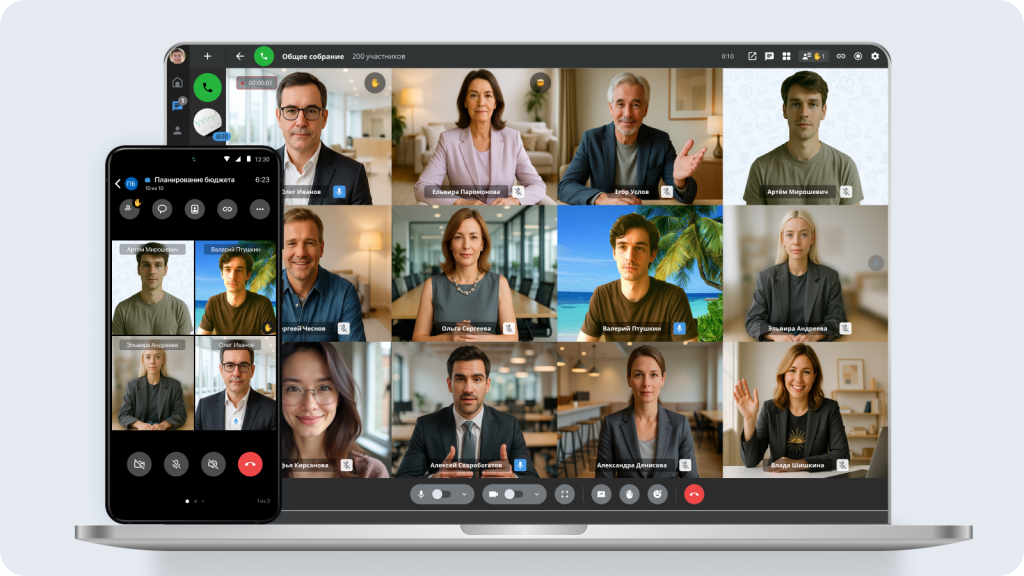
Registration: For personal use, download the app or use the web version → register using your phone number (the public version with limited functionality is activated). Corporate connection → via company administrator.
Pros: Intuitive interface like Telegram, video conferences for 250+ participants, threads, reactions, cross-platform support, quick start without training, works on all operating systems, there is a public version for private use.
Cons: File sharing is limited in the public version (up to 250 MB), and some features are only available in corporate plans.
Conclusion: The messenger is suitable for both personal communication in the free version and for secure corporate correspondence deployed on the organization's servers. An excellent alternative to Telegram for business.
Samoware
A Russian corporate messenger from Postman based on CommuniGate Pro. A universal communications client that combines messenger, email, video calls, and calendaring in a single app; it runs on all operating systems and is included in the registry of domestic software. Designed for corporate communications, it allows you to chat, send voice messages, and make video calls. It runs on all popular operating systems.
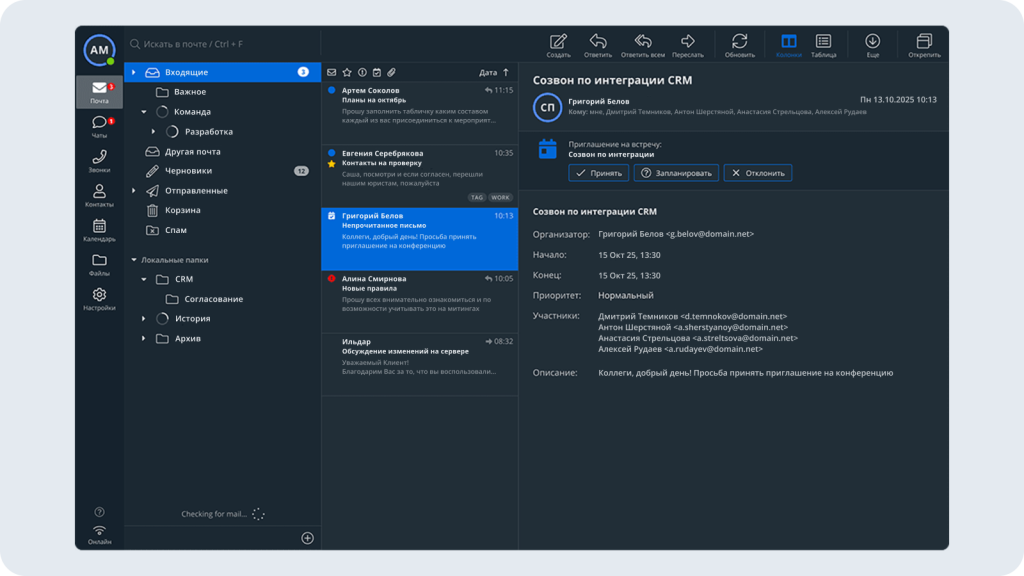
Registration: Install the application → enter the server (domain), login, and password provided by the corporate administrator. Self-registration is not available for individuals.
Pros: Cross-platform (web, desktop, mobile), unified space for chats and video calls, security-focused, and support for Russian encryption standards.
Cons: No public version for personal use, interface may seem cluttered, requires configuration by the IT department.
Conclusion: A solution for companies that need secure internal communications without dependence on foreign services. Not suitable for private correspondence.
VK Teams
A popular corporate messenger from the well-known company VK (VK Tech). It positions itself as a secure platform with everything you need – chatbots, audio messages, video calls, groups, and channels.
Registration: Login via the company's corporate domain → authorization using the organization's credentials (SSO integration is possible). Access is limited to employees of connected companies.
Pros: VK ecosystem (integration with Mail, Calendar, and Cloud), chatbots, video calls, channels, two-factor authentication, and a familiar interface.
Cons: No personal version without a corporate account, functionality depends on the plan, and is tied to the company domain.
Conclusion: A reliable tool for teamwork within organizations, especially if the company Already uses VK services.
Pachсa
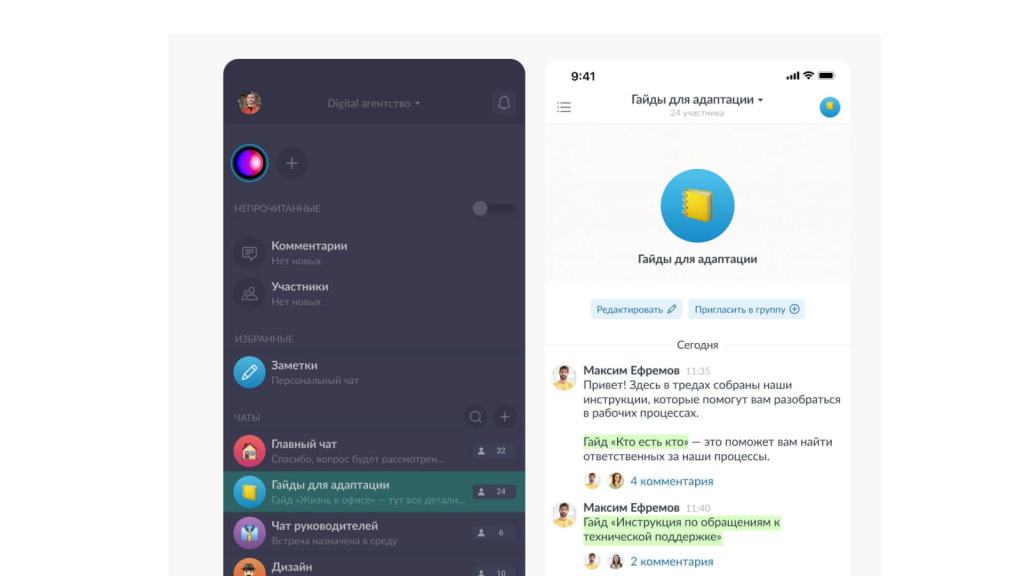
A corporate Russian messenger from Primavera LLC. An excellent option for work chats that can be conveniently grouped. Its compact menu, comprehensive trends, news channels, and the ability to create both public and private chats have made it a favorite among many companies.
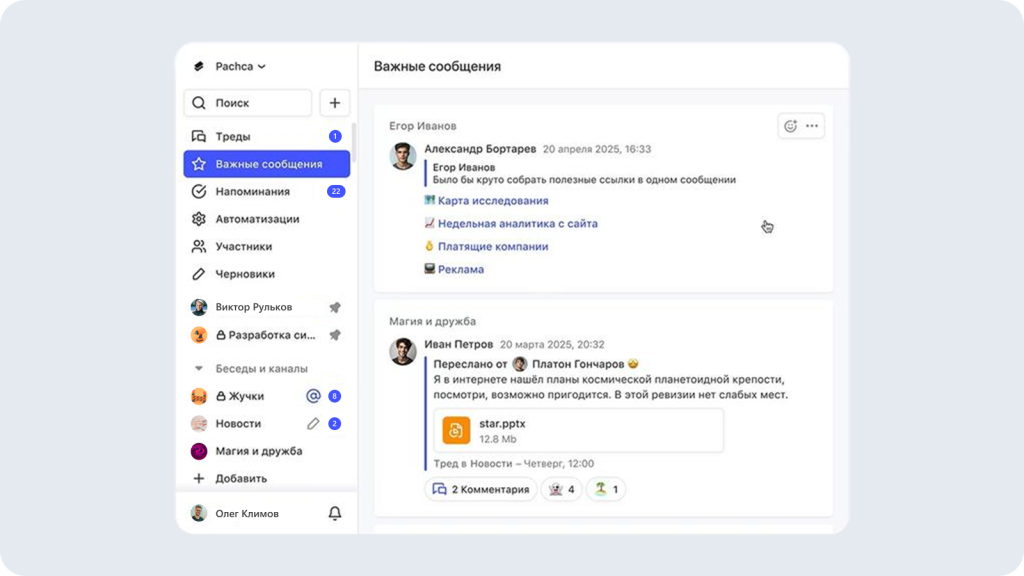
Registration: Via website or app via email / SSO → create a workspace → invite colleagues. A trial period is available for testing.
Pros: Convenient chat grouping, cross-cutting threads, news channels, flexible access settings, integration with popular services, video calls.
Cons: Some features are only available in paid plans; video calls are limited in the number of participants in the basic version.
Conclusion: A balanced solution for teams that value structured messaging and quick access to information.
TamTam
A public Russian messenger from VK, which was developed from Odnoklassniki. It offers cloud storage, regular and video calls, group chats, and stickers. You can send files up to 2 GB.
Registration: by phone number or through Odnoklassniki / Google accounts → confirmation with SMS code → profile settings.
Pros: login without mandatory phone number (via social networks), cloud storage, file transfer up to 2 GB, stickers, simple interface.
Cons: smaller audience compared to market leaders, no guarantee of end-to-end encryption, limited corporate administration capabilities.
Conclusion: a lightweight messenger for personal and informal work communication, but not a replacement for full-fledged corporate platforms.
Dialog
A Russian corporate messenger from Dialog LLC (part of the Sber ecosystem). A relatively new messenger with a user-friendly and attractive interface. However, it is slow. Files are transferred, nicknames cannot be mentioned, and themes cannot be changed.
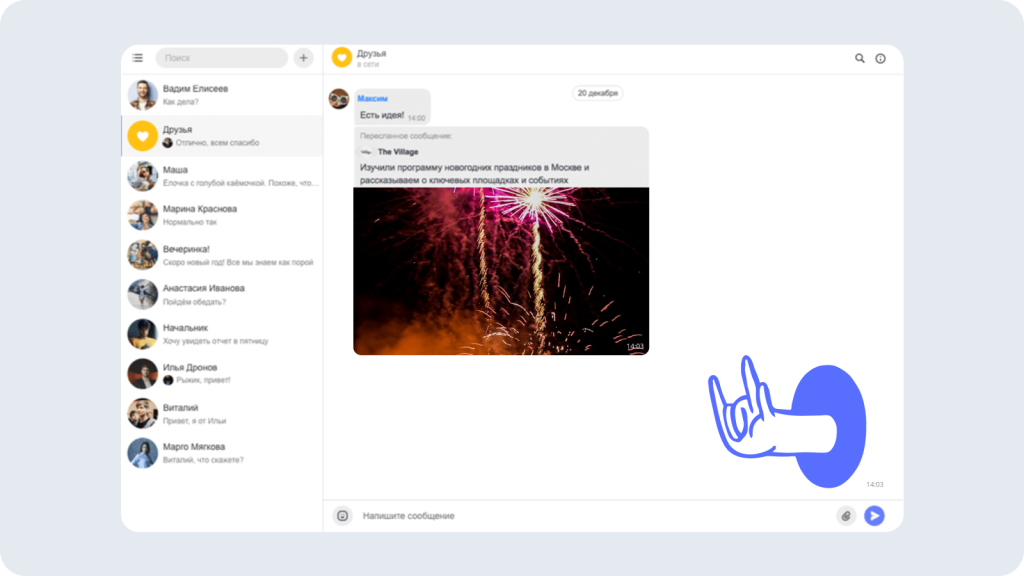
Registration: via corporate email or by invitation from the administrator → profile creation → connection to the workspace.
Pros: Modern and minimalist interface, chatbot support, focus on internal communications, Russian jurisdiction.
Cons: Slow file transfer, no mentions of @nicknames, cannot be changed Themes, media file size limit (up to 25 MB).
Conclusion: A promising, but still unfinished product, suitable for simple tasks, but not for intensive teamwork.
RosChat
A secure Russian corporate messenger from Informtekhnika Group / ITSoft LLC. On-premise hosting on the company's servers, data encryption, integration with PBX and DLP systems, running on Aurora OS, compliance with Federal Law No. 152.
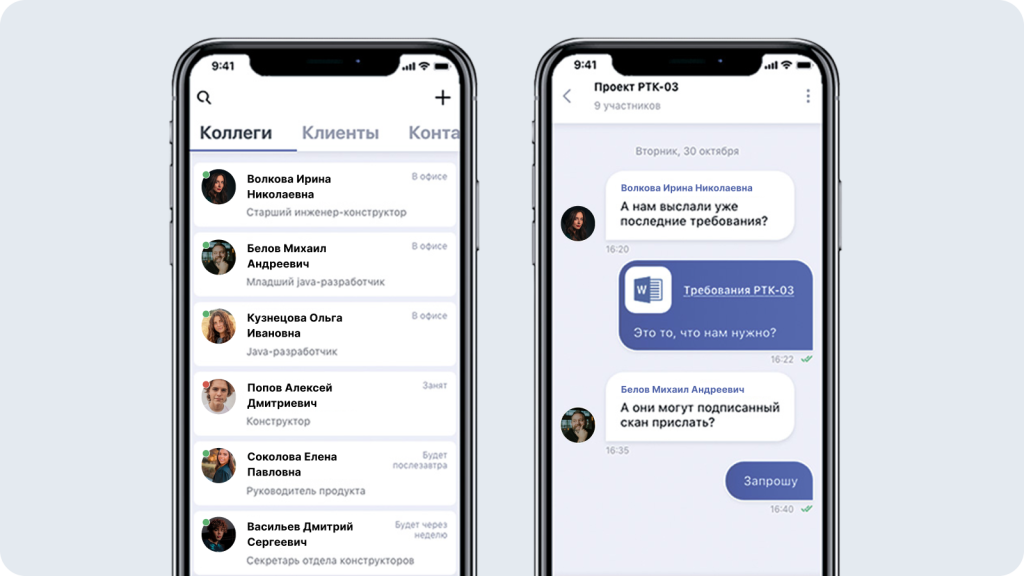
Registration: via corporate email without specifying a phone number → administrator access rights setup → deployment on the company's servers.
Pros: On-premise hosting, encryption Data management, integration with PBX and DLP systems, no need for employee personal data, compliance with Federal Law 152.
Cons: The interface is less modern, is aimed only at the corporate segment, and requires technical support for setup.
Conclusion: A choice for organizations where complete data control and regulatory compliance are a priority.
TrueConf
A Russian messenger and video conferencing platform from TrueConf. A solution for those who want secure video calls in high definition 4K. The product also includes a built-in corporate messenger for increased platform usability. Allows conferences for up to 1000 participants.
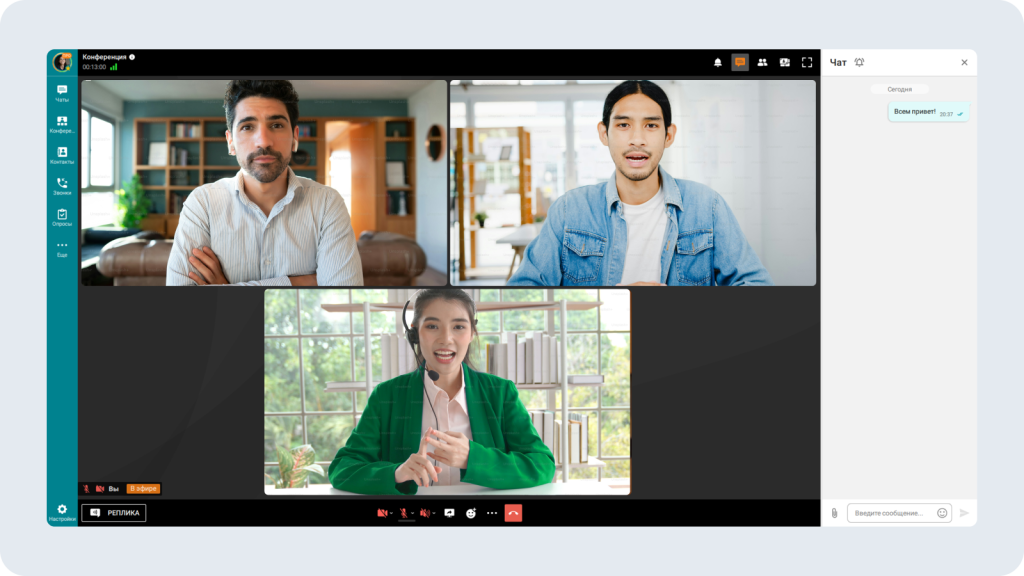
Registration: via the server web interface → enter the activation key → create user accounts as an administrator. Cloud and on-premise versions available.
Pros: 4K video calls, conferences for up to 1000 participants, built-in messenger, SIP/H.323 support, end-to-end encryption, offline operation (local).
Cons: Focus on video communications—the basic messenger is secondary, paid plans for full functionality, and requires resources for deployment.
Conclusion: A specialized solution for high-quality video communications with additional chat capabilities.
Tada.Team
A messenger for businesses from UKT LLC (a startup since 2019), which will improve the efficiency of communications. Launched in 2019, it offers not only simple chats but also dedicated chats for problem-solving. Suitable for both small businesses and large companies.
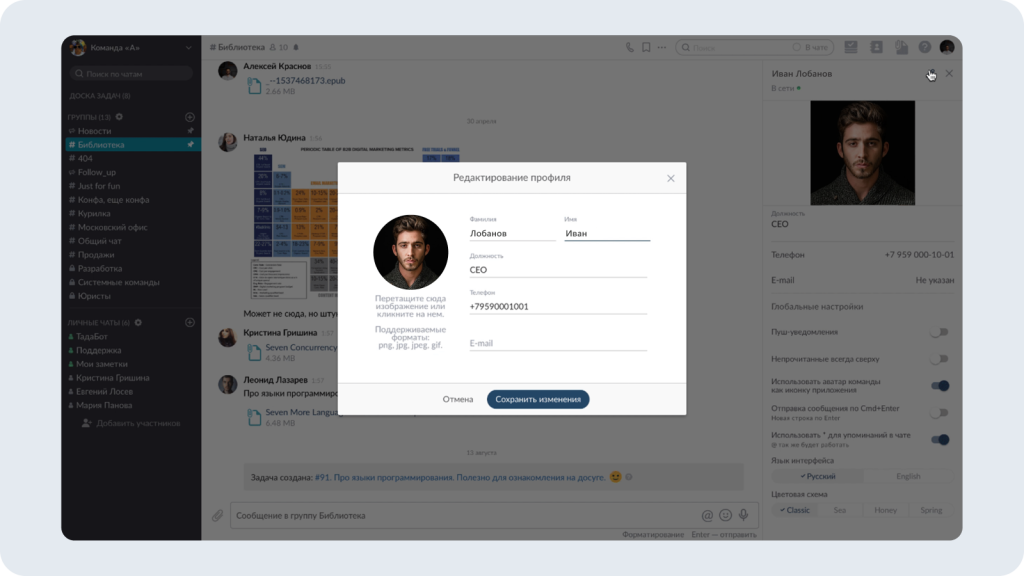
Registration: on the website using a phone number or email → confirmation with a code → team creation → invitation of participants.
Pros: chats for tasks and communications, simple interface, flexible permission settings, suitable for teams of any size, Russian development.
Cons: Less well-known in the market, limited set of integrations compared to the leaders, no public version for personal use.
Conclusion: A practical tool for organizing workflows, especially if a clear task structure is needed.
MAX
The national Russian messenger of the VK holding company, commissioned by the Ministry of Digital Development. Chats for up to 1000 participants, file transfers up to 4 GB, integration with the GigaChat Fast Payments System and neural network, mandatory pre-installation on new devices starting in 2025.
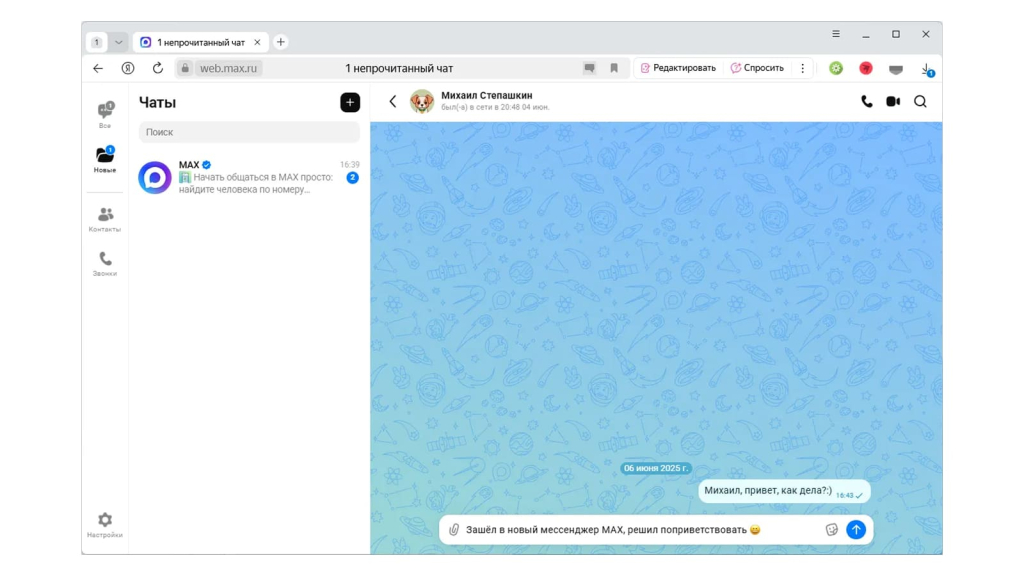
Registration: Enter your mobile number (Russian Federation/Belarus) → receive a 6-digit SMS code → enter your name and avatar. Corporate connection – via administrator.
Pros: Government support, chats for up to 1000 participants, files up to 4 GB, integration with the SBP and GigaChat, cross-platform, pre-installed on devices.
Cons: Requires a Russian/Belarusian phone number, some features (channels, bots) are limited for unregistered users, young ecosystem.
Conclusion: A universal messenger with potential for mass adoption – suitable for both personal and business use.
Compass
An open-source Russian corporate messenger from Business Solutions. A solution in the domestic software registry with 1000+ video conferencing capabilities, integration with 1C and external services, and support for on-premise and cloud deployment.
Registration: via website or app → account creation by administrator → employee invitation via email / SSO. Self-service on-premise installation is possible.
Pros: open source, included in the registry of domestic software, 1000+ video conferencing, integration with 1C and DLP, flexible deployment (cloud / on-premise servers).
Cons: requires technical configuration for self-hosting, fewer ready-made integrations out of the box, aimed only at corporate Segment.
Conclusion: A flexible and transparent solution for companies that value control over infrastructure and compliance with Russian standards.
Conclusion
In 2026, replacing Telegram is not just a matter of preference, but a necessity for businesses and government organizations. Reasons include the service's foreign jurisdiction, the lack of end-to-end encryption by default, the risk of slowdowns, and restrictions under Federal Law No. 584 on the transfer of personal and payment data through foreign software.
The Russian market offers 11+ alternatives, divided into three categories:
| Category | Для кого | Примеры |
|---|---|---|
| Personal + Business Chats | Individual Users, Small Businesses | eXpress (public version), MAX, TamTam |
| Corporate correspondence (secure, with administration) | Medium and large businesses, government agencies | eXpress, Samoware, VK Teams, RosChat, Compass |
| Specialized (emphasis on video/tasks) | Educational projects, teams with a focus on video communication or task management | TrueConf, Tada.Team, Pachka |
Selection Criteria:
- ✅ Compliance with Federal Law 152 and the register of domestic software;
- ✅ On-premise hosting for complete data control;
- ✅ FSTEC certificates for working with state secrets;
- ✅ Integration with 1C, DLP, PBX, and corporate services;
- ✅ User-friendly interface – so employees can start working immediately, without lengthy training.
The main thing is to choose a solution that meets your specific needs.
Answers to questions
Why are companies looking for a replacement for Telegram in 2026?
Answer: Roskomnadzor is slowing down the work of Telegram in Russia, and in accordance with current legislation, banks, companies with state participation and departments are required to switch from foreign messengers to Russian solutions from the register of domestic software to protect personal and payment data.
What alternative messengers are available in Russia in 2026 year?
Answer: In 2026, the Russian messenger market offers alternative solutions for different tasks:
- Universal (eXpress, MAX): for personal and work chats.
- Corporate (eXpress, VK Teams, Samoware, RosChat, Compass): support on-premise hosting and have FSTEC certificates.
- Specialized: TrueConf (4K video communication), Team (task management), Packa (group chats).
What are the differences in approaches to security and data storage between eXpress and Telegram?
Answer: eXpress uses end-to-end encryption, supports deployment on organization servers (on-premise) and has a FSTEC certificate 4th level. Telegram stores data and decryption keys on external servers, and end-to-end encryption is not enabled by default.
What to look for when choosing a messenger for business?
Answer: If you choose a messenger for communication, pay attention to stable operation, user-friendly interface, availability in Russia and price. If you choose a messenger for corporate use, additionally pay attention to deployment options, compliance with Russian legislation, the possibility of integrations and data protection methods.
Which free messenger can be used instead of Telegram
Answer: Yes, the public version of eXpress. Registration by phone number through the application or web version. Chats, calls, video conferences, threads, reactions are available. Limit: files up to 250 MB. Advanced functionality is available in corporate plans.