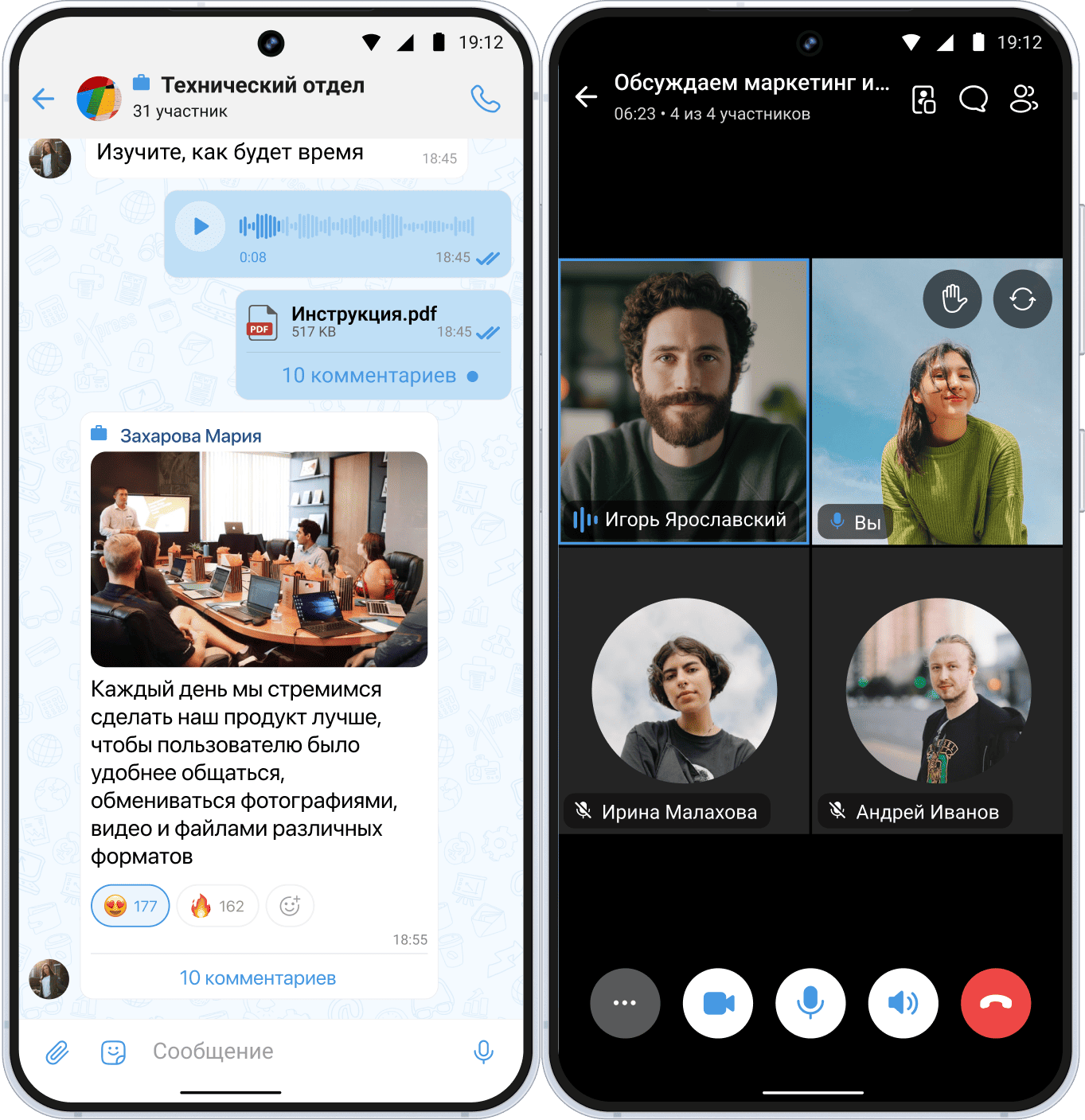
Messengers have turned into the main workspace, but new laws and the risks of blocking require reconsidering the tools used. In this article, we explain how businesses can adapt to the conditions of 2026, which areas depend most on messengers, and which domestic solutions can ensure stable communication without the risk of fines or losing clients.
Why it is important to change tools right now
Since June 1, 2025, a law has come into force in Russia that restricts the use of unregistered foreign messengers for official communications with clients. WhatsApp* has already been blocked in the Russian Federation, and Telegram operates with significant restrictions, which makes it unreliable for systematic use in business. Other foreign messengers have also faced stricter requirements: to officially work with clients, the service must be registered in the Roskomnadzor registry, comply with Russian legislation on personal data, and ensure that information is stored within the territory of the Russian Federation.
This raises the question: what exactly is required for a messenger to operate, which business areas depend most on them, and which services on the market currently have no risk of being blocked? Let’s examine this in detail.
What businesses need for effective work in messengers
For a messenger to become a working tool rather than a source of chaos, a company must ensure four key conditions.
Technical infrastructure
For productive work, employees need access to desktop and mobile versions of the messenger, as well as stable internet. This is a basic requirement for uninterrupted message exchange, file sharing, and participation in video conferences.
Security and compliance with standards
If a messenger processes client data or internal information, the platform must provide:
- end-to-end encryption;
- two-factor authentication;
- FSTEC certification (for working with personal data and state secrets);
- the possibility of on-premise deployment for full control over data.
Organizational rules
By following basic rules, you will increase employee efficiency:
- A ban on using personal accounts in public messengers for work tasks.
- Implementation of digital etiquette rules: what to discuss in which chats, how to structure tasks, and at what time it is appropriate to message colleagues.
Employee skills
Even the best platform will not work without a competent team. It is important to develop the following skills among employees:
- the ability to express thoughts clearly and concisely in written communication;
- working with response templates and chatbots to speed up routine tasks;
- basic integration skills with CRM systems (recording dialogues, creating tasks);
- the ability to personalize communication with clients taking into account interaction history.
Only when these conditions are met does a messenger stop being just a chat and become a полноценным инструментом for business growth.
Features and functionality of modern messengers
A modern corporate messenger — is an ecosystem. Evaluate the platform by the presence of critical functions:
- Group chats and channels with flexible permission settings.
- High-quality calls and video conferences.
- Integrations with other services (CRM, task trackers) and chatbots.
- Convenient file storage and search.
- Availability across multiple platforms (iOS, Android, Windows).
Popular use cases in messengers
Customer support and service.
Support staff use messengers as the fastest way to receive a request and solve a problem. Responses in chat arrive much faster than via email.
Sales and initial communications.
For communicating with warm leads, clarifying order details, and sending documents, messengers are indispensable. Sales coordinators use them to distribute requests and control tasks, which speeds up the work of the entire department.
Internal communication and remote work.
Messengers have firmly taken first place as the main tool for teams. They are convenient for daily communication, quick meetings, and project discussions. Modern business solutions have evolved into full-fledged digital workspaces.
When messengers are not the best choice
Sending official documents
Contracts, acts, and notices should be sent via email or through specialized services. Chat correspondence does not have full legal force.
Discussing strategy and confidential information
Long-term decision making and discussions of commercial secrets require more secure and controlled environments.
Working with state secrets and personal data
This requires specialized tools certified by FSTEC and the FSB.
Foreign messengers for business tasks
WhatsApp* is blocked, Telegram works with interruptions and may be fully blocked on April 1. Using such services creates legal and operational risks for businesses.
Advantages and limitations
Advantages of domestic solutions - high efficiency, mobility, simplification of routine processes, integration into an ecosystem (chat, tasks, calendar, crm systems), a direct communication channel, compliance with Russian legislation.
Limitations and risks of foreign services - the blurring of boundaries between work and personal life, risk of blocking, lack of FSTEC certification, legal risks when working with personal data.
Which messenger should you choose for work in Russia?
The choice has become a strategic decision amid legislative changes. The main thing is to determine your tasks and compare them with the capabilities of available tools. WhatsApp* is blocked, and Telegram is not recommended for systematic use due to restrictions and the risk of blocking within the Russian Federation. Let us consider reliable domestic alternatives.
Overview of popular Russian solutions
eXpress. A solution for corporations, the public sector, as well as medium and small businesses. It is a secure super-app with deep integration with corporate services (CRM, 1C, ECM and others). The platform is certified by FSTEC of Russia and supports on-premise deployment for maximum data protection. For small teams and companies with lower security requirements, there are plans with cloud deployment.
VK Messenger / VK Teams. Part of the VK WorkSpace ecosystem, included in the Russian software registry. A full-fledged corporate tool (chat, tasks, documents, calls). Secure protocols and the possibility of on-premise deployment. An optimal balance of functionality and cost for medium-sized businesses.
MAX (VK). A national messenger approved by the Government of the Russian Federation. Integration with government services (Gosuslugi, electronic signature). Complies with Russian legislation requirements.
Yandex 360. An ecosystem for teamwork with a messenger, email, and cloud storage. Suitable for small and medium businesses already using Yandex services.
Recommendations depending on tasks
For sales and marketing (external communications). For official communications in regulated industries use Russian messengers (VK Teams, eXpress). Integration with CRM.
For customer support. Choose platforms with chatbots and convenient operator dashboards (VK Teams, eXpress) integrated with ticket systems.
For internal communication (startups, medium businesses). VK Teams or Yandex 360 — an optimal balance of functionality, convenience, and cost.
For internal communication in large companies and government institutions. eXpress — a choice for maximum security and broad possibilities for platform scaling.
Thus, the answer to the question of which messenger to choose for work in Russia lies in the answer to another question: what tasks am I solving and what risks am I ready to accept? The trend is obvious: the future of professional communications in Russia belongs to specialized, secure, and predictable domestic platforms. WhatsApp* and Telegram cannot be a reliable foundation for business processes under current conditions, so switching to Russian solutions is already a necessity for stable operation.