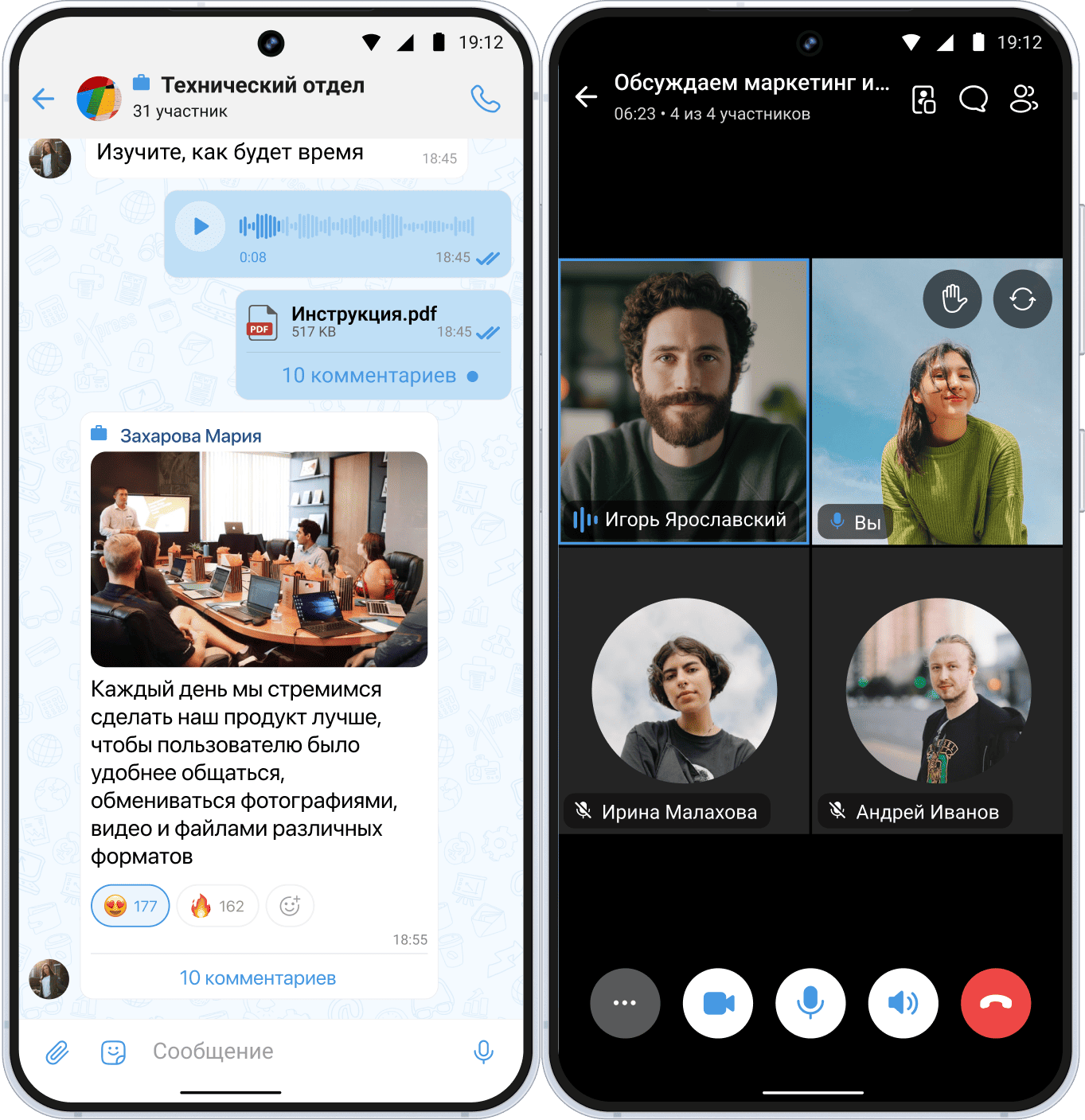
In August 2025, Roskomnadzor imposed restrictions on audio and video communication features in Telegram and WhatsApp. Many users in Russia experienced degraded call quality, especially during group calls.
Messengers today are installed on almost all devices. Previously, they were used mainly for texting, but now — increasingly as a full replacement for traditional telephony.

Many messengers offer extended functionality, such as video calls, screen sharing, group calls, various filters and effects that are often absent in traditional telephony.
Unlike classic business telephony, calls in messengers are free, they are linked to a user account rather than a phone number, but their quality directly depends on internet speed and server stability. Let’s look at 5 alternatives for calls instead of Telegram and WhatsApp.
VK (VK Messenger / VK Calls)
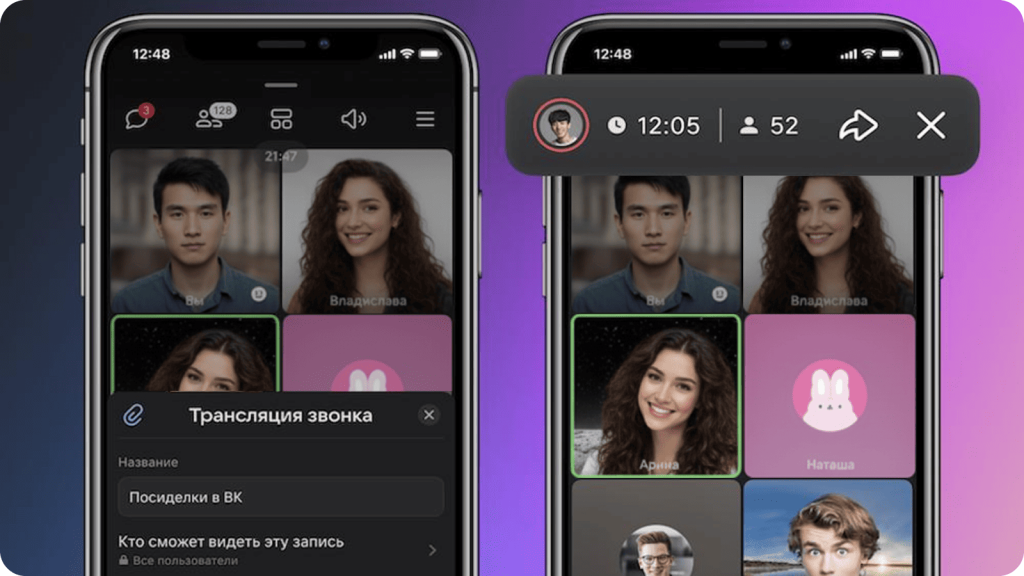
Communication via VK Messenger and VK Calls is convenient for users who frequently use the VKontakte social network: during an audio or video call, you don’t need to leave the platform or use additional tools. Calls are free, available on any device, unlimited in duration and protected by end-to-end encryption (data is not stored on servers). Since November 24, 2021, restrictions on the number of call participants were removed: developers implemented horizontal scaling technology. The messenger of the VKontakte social network is suitable for online communication with loved ones.
When problems began with WhatsApp and Telegram, Russians actively started using VK Calls for private conversations with friends and relatives living in other cities of Russia and abroad. The interface is extremely simple and in Russian.
Available on: Windows, macOS, iOS, Android, Linux.
Service advantages:
- call directly from private messages;
- adding any number of participants;
- joining a group via an invite link even without a VK account;
- assigning an administrator who answers group calls;
- streams;
- call recording, which can be saved and sent as a file or link;
- screen sharing with other participants;
- watching videos together;
- virtual background hiding the real environment during a call;
- “smart” noise cancellation (can be disabled if desired);
- filters improving facial features;
- masks and personal virtual avatars Vmoji (mobile app only);
- gesture recognition and reactions displayed on the screen;
- speech-to-text transcription and subtitles.
Disadvantages:
- Unstable connection during peak hours.
Plans
ORD VK informed users that starting February 2, 2026, the service terms will change, including tariffs. Currently, a special free plan applies and will remain until the end of the testing period. ORD VK will announce details in advance.
MAX
The MAX messenger, developed by VK and launched in beta in spring 2025, allows users to make free calls. MAX is suitable for business communication as well as conversations with family and friends.
All tools for personal communication and productive work are gathered in one place: voice calls, video calls, conferences with many participants and extensive management features.
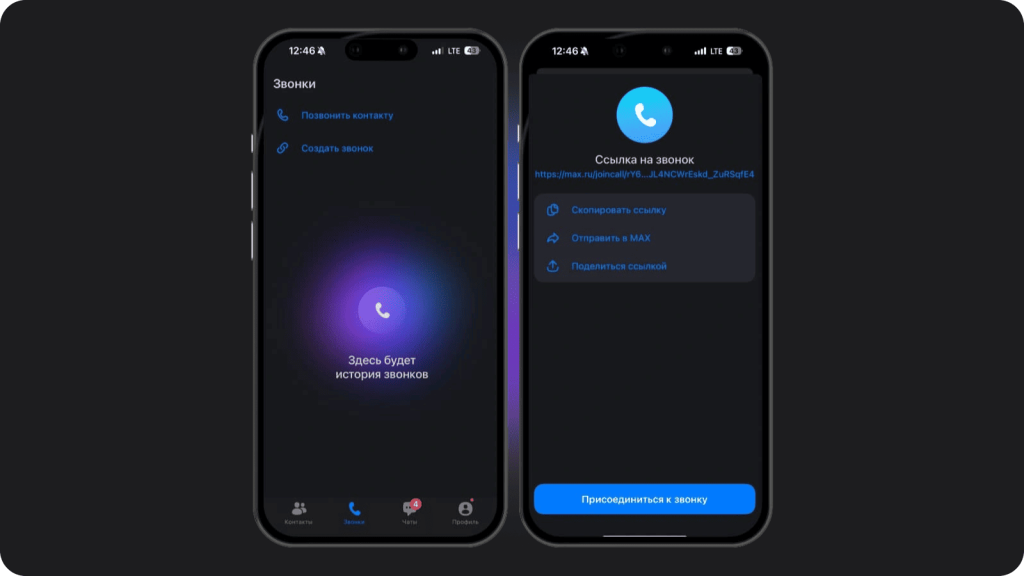
You can initiate a call in three ways: from the contact list, from an existing chat, or by sending a link to the desired contact. One of MAX’s key features is a “smart” information filtering system. It automatically sorts messages by category and highlights important ones for quick access.
Available on: Android, iOS, macOS, Windows and Linux
Service advantages:
- high-quality audio transmission;
- no limits on call duration;
- ability to create large groups;
- creation of separate workspaces for different projects and teams;
- “breakout rooms” – up to 50 rooms in one call with unlimited participants per room;
- screen sharing;
- file and link exchange during the call;
- “waiting room”: participant entry control;
- “raise hand” (to draw attention in group calls);
- real-time task planning;
- group management (muting mic or video, removing participants);
- meeting recording and saving on the server;
- advanced security: two-factor authentication, end-to-end encryption, access control, remote data wipe;
- integration with Sber’s GigaChat 2.0 neural network.
Disadvantages:
- Occasional service outages.
Plans
Developers plan to add two-factor authentication and Anti-Fraud technology to ensure protection against phone scammers. By the end of 2025, neighborhood chats will be created for apartment buildings across Russia. This was announced by Russia’s Minister of Construction Irek Fayzullin at a meeting of the Council for Construction and Housing.
On November 5, 2025, information appeared that MAX expanded its functionality for users in CIS countries. Users from Belarus, Azerbaijan, Armenia, Kazakhstan, Kyrgyzstan, Moldova, Tajikistan and Uzbekistan can now place calls via MAX.
Yandex Telemost
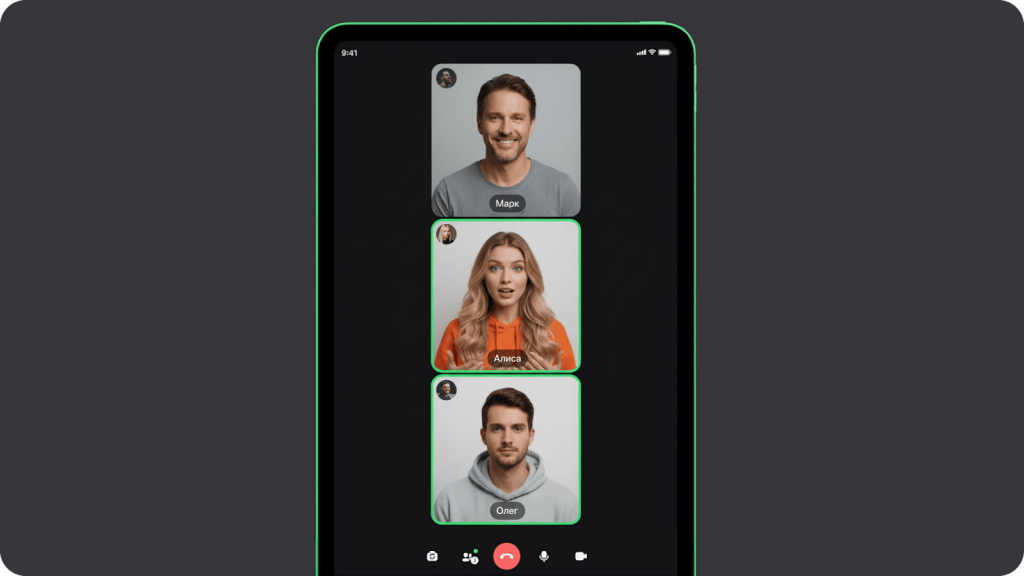
YandexTelemost is a cloud platform designed for video conferences, meetings, consultations and seminars — wherever rapid participant connection is required. It is especially useful for companies already using Yandex products in workflows. The service works on any device, whether a computer or mobile phone.
The free version (100 participants, 8 hours per meeting) is mainly used by small and medium businesses. Paid plans (Yandex 360 Start, Yandex 360 Business, Yandex 360 Enterprise) offer expanded features at affordable prices.
The system uses modern encryption algorithms. Meeting recordings are stored in encrypted form on Yandex servers with restricted access (only for authorized users).
Available on: Windows, macOS, Linux, Android, iOS.
Service advantages:
- simple interface;
- instant adaptation to connection quality, stable even with low internet speed;
- group calls;
- joining an audio call without internet access (via internal code);
- screen sharing;
- meeting management;
- recording and saving conferences;
- connecting to meeting rooms;
- closed meetings (password-protected);
- encrypted data storage on closed servers;
- noise suppression.
Disadvantages:
- participant number limitations;
- occasional mobile app issues.
Plans
According to Yandex, users will soon be able to communicate within a unified application: text chats, audio and video calls both personal and group. In group chats with up to 40 participants, audio and video calling will become available. Additionally, it will remain possible to contact individual conference participants directly.
eXpress
eXpress is a paid Russian corporate communication platform included in the national software registry with over one million active users.
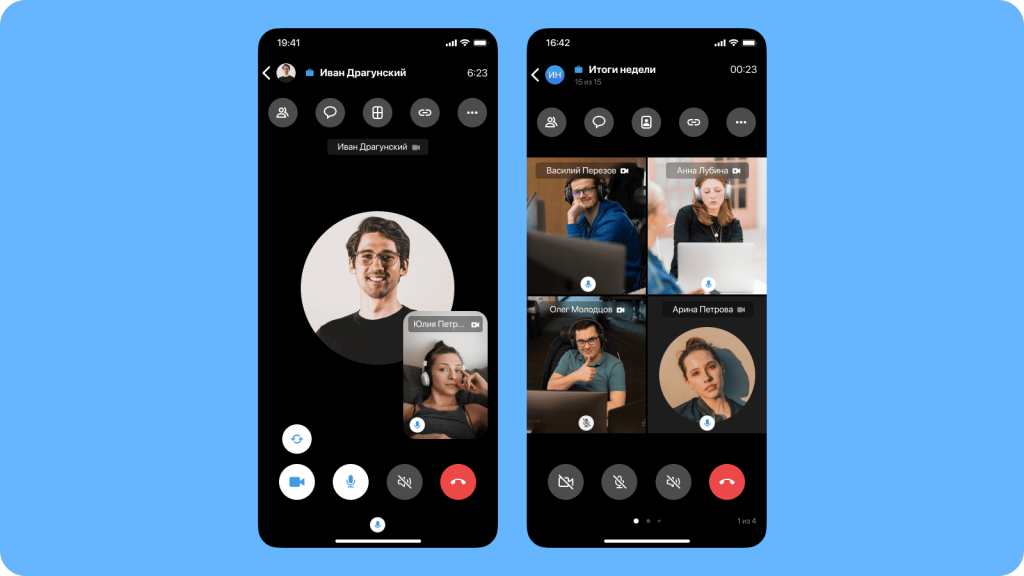
Special attention is given to security: the app is certified by FSTEC of Russia with Trust Level 4.
Corporate calls in eXpress are paid, with a maximum of 256 participants. A free version is available for personal accounts (marked with a green icon). They can call contacts, but corporate calls are unavailable to them.
Available on: Windows, macOS, Linux, Android, iOS, Ubuntu, HarmonyOS, Aurora.
Service advantages:
- stable connection even with low internet quality;
- call directly from chat or profile;
- guest access via invite link;
- conference scheduling;
- call recording and saving;
- virtual rooms;
- emotion display on screen;
- “raise hand” feature;
- microphone and camera control;
- access management for recordings;
- noise suppression;
- virtual backgrounds;
- advanced integration with corporate systems: CRM, ERP and business apps;
- end-to-end encryption and three-factor authentication.
Disadvantages:
- video calls available only in the corporate version;
- in chats with more than 256 people, group calls and joining conferences from chat are not possible;
Plans
Upcoming features include mobile guest connections, a client for meeting rooms and tablets, broadcasts and webinars, a “waiting room”, remote desktop, subtitles and text meeting summaries.
Google Meet
Google Meet is a platform for audio and video communication created by Google. The service allows hosting meetings with many participants or one-on-one conversations. To use it, you only need a Google account and a meeting link. Up to 100 people can join via link. Free meetings last up to 60 minutes. The paid version offers unlimited duration, recording to cloud storage, breakout rooms, access control and participant management.
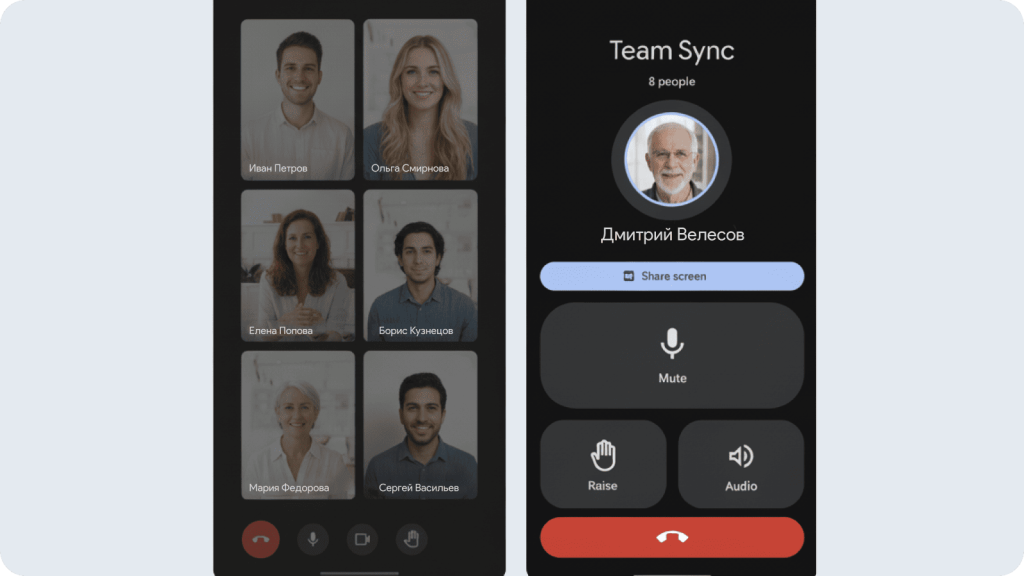
Available on: Windows, macOS, iOS, Android.
Service advantages:
- integration with other Google services;
- speech-to-text transcription, subtitles;
- screen sharing;
- collaborative document editing during meetings;
- “Knock-Knock” feature (lets users see the caller before answering);
- Jamboard – virtual whiteboard;
- emotion reactions on screen;
- “raise hand” feature;
- “on the go” mode (auto camera off);
- virtual backgrounds and visual effects;
- noise suppression;
- end-to-end encryption.
Disadvantages:
- sometimes poor audio quality;
- cannot pay for premium plans with a Russian bank card;
- free group calls limited to 1 hour.
Plans
According to vc.ru, Google Meet will add a “Attend for me” feature. It will allow sending a virtual assistant, Duet AI, to the meeting, which can generate and present text the user wants to discuss.
Conclusion
Despite the introduced restrictions, Russians still have many calling options. Calls through messengers are becoming increasingly popular. They are convenient, cost-effective, allow communication with users in Russia and abroad, and simplify work communication.