Universal scripts no longer exist: an approach that works for selling pizza will fail when implementing software. Let’s look at practical B2B and B2C sales mechanics: how to conduct a dialogue in chat, when to switch to a video call, and how to technically equip the sales team with effective tools.
B2B vs B2C: different sales rules
According to industry research and consulting agency analytics, companies lose up to 40% of leads at the very first chat stage. The root of the problem is that managers try to handle B2B and B2C using a single process, without seeing the difference between the segments. This is a common mistake by heads of sales that ignores the main thing: a private customer and a business representative make decisions differently.
As a result, tools stop matching the tasks. Where it is necessary to build a trust-based dialogue in B2B, managers miss video contact and limit themselves to text. Where reliability matters, they depend on unstable external platforms. In the end, the whole sales logic breaks down: from response speed to funnel structure.
Where every minute counts
In the B2C segment, the deal cycle is measured in minutes and rarely stretches to hours. The decision is usually made by one person guided by emotion, benefit, and convenience. The funnel is максимально simplified: chat, request, and immediate payment.
Practical mechanics:
- A quick response within 3–15 minutes.
- Short messages. 1–2 sentences + emoji for emotional emphasis.
- Quick buttons. “Place order”, “Check availability”, “Call” — the client should not have to type.
- Push toward action in every 2–3 messages. “Do you confirm the delivery address?”, “Add the item to the order?”.
Important! Do not delay your response to the first message. According to Jivo research, when replying within 10 seconds, the dialogue continues in 70% of cases, and after 2 minutes this figure drops to 54%. In competitive niches like B2C and ecommerce, the optimal response time is 3–15 minutes, otherwise the company risks losing up to 40% of potential turnover.
Dialogue example for food delivery :
❌ Mistake:
Client: “Do you deliver to district X?”
Company: “Yes, we deliver. We work from 10 to 22. The menu is on the website.”
✅ Correct:
Client: “Do you deliver to district X?”
Company: “Yes, we deliver to district X! ? The current free slot is from 18:30 to 19:15. what time shall we choose? I can immediately put together a popular set with a 15% discount”.
Expertise and depth are more important than emotions
The B2B deal cycle can stretch over weeks and months. The DMU, the decision-making unit, includes 3 to 7 people: initiator, economist, lawyer, manager. The key triggers are business benefit, reliability, and integration. The sales funnel looks different from working with an individual: lead, qualification, demo, commercial offer, and only then contract.
Practical mechanics:
- Qualification in the first 3 messages. “What task are you considering the solution for?”, “Who else is involved in the selection?”.
- Structured responses. Lists, numbering, and highlighting key conditions make perception easier.
- Gradually lead the client toward a decision. Do not sell “head-on”, instead schedule a demo, agree on a meeting, and send useful materials. .
- Fix agreements. After each stage, send a brief summary in chat: “Agreed: I will send the commercial offer by 15:00, schedule the meeting for Wednesday at 11:00, and send you the link”.
Dialogue example for CRM implementation:
❌ Mistake:
Client: “We are interested in sales department automation”
Company: “We have a great CRM! Pricing starts from 50,000 ₽. Shall I tell you more?”
✅ Correct:
Client: “We are interested in sales department automation”
Company: “Got it, automation is our specialty. To offer a relevant solution, please clarify: 1) How many managers are in the department? 2) What accounting system do you use now? 3) What result is the priority: control, speed, or analytics?”
Conclusion: one script for two different segments = loss of conversion in both. Set up processes separately.
10 principles for selling effectively in chat
The basic rules of chat communication are the same, but how they are applied differs depending on the segment.
1. Keep the right distance: partnership instead of overfamiliarity
Being “on equal terms” does not mean switching to informal “you”.
In B2C sales, a soft form of address, a friendly tone, and the use of emoji are acceptable. The main thing is not to slip into overfamiliarity.
In B2B sales, the tone shifts to respectful “You” and first name + patronymic if known. You position yourself as an expert consultant, not as service staff.
Every business has its own unique voice that reflects the brand and shapes the audience’s perception.
Using a retail chat example
❌ Mistake:
Client: “Hi, is there a discount on the coffee machine?”
Company: “Hi! Sure, let’s give you a discount”
✅ Correct:
Client: “Hi, is there a discount on the coffee machine?”
Company: “Hello! This model currently has a 10% discount. Would you like me to add it to the cart right now?”
Dialogue example from a company chat
❌ Mistake:
Client: “We need to connect a corporate plan for 50 employees. What options are available?”
Company: “Hello! Lemme tell you everything about the plans”
✅ Correct:
Client: “We need to connect a corporate plan for 50 employees. What options are available?”
Company: “Hello, Ivan Petrovich! I can send you a detailed comparison of functions and pricing so that you can choose the optimal option.”
2. Observe timing: speed depends on the segment
Fast is an undefined concept, so it is important to tell the client a specific time.
B2C: the standard response time to a client message is 5–10 minutes. The client will not wait more than 15 minutes and will place the order with competitors.
B2B: a response within 30–60 minutes during working hours is acceptable. If the message comes in the evening, be sure to confirm receipt and indicate the time of the full response in the morning.
Dialogue example in an online store
❌ Mistake:
Client: Sent at 18:21 “Hello, is the 160×200 mattress in stock?”
Company: Sent at 18:44 “Yes, it is. You can place the order on the website.”
✅ Correct:
Client: Sent at 18:21 “Hello, is the 160×200 mattress in stock?”
Company: Sent at 18:23 “Hello! Yes, the 160×200 mattress is in stock. We can deliver it tomorrow before noon. Shall we place the order now?”
Dialogue example
Company (20:30): “We are interested in integrating your system with 1C. Is that possible?”
❌ Mistake:
Replying only the next day without confirming receipt of the message.
✅ Correct:
“Good evening! Thank you for your question, I received your message. I will clarify the integration details with the technical team and send you a detailed reply tomorrow by 10:00. Will that work?”
3. Solve problems inside the messenger chat
If possible, the client should get the answer directly in chat, without being redirected to another channel.
Use: quick replies, action buttons like “Pay”, “Order”, and send files such as commercial offers and price lists directly into the chat.
Exception: moving to another platform is justified only for complex product configuration or contract execution.
Dialogue example in an online store
❌ Mistake:
Client: “How much is delivery and how can I pay?”
Company: “All the details are on the website. Please check there.”
✅ Correct:
Client: “How much is delivery and how can I pay?”
Company: “Delivery is 1200. I can send it today. Click “Pay” and I will immediately place the order.”
Dialogue example from a corporate chat
❌ Mistake
Client: “Can you send pricing for a team of 30 people?”
Company: “Write to email, we’ll send everything there.”
✅ Correct
Client: “Can you send pricing for a team of 30 people?”
Company: “Of course. I’m sending the price list and a short description of the plans right here. Please have a look and tell me which option is closer to you — cloud or corporate?”
4. Keep the thread of the dialogue: end the message with a prompt
The dialogue fades when you simply inform. The client gets the answer and... goes silent. Your task is not to let the pause drag on and to push the client to the next step.
Rule: every one of your messages should end with a question or a suggestion of the next step.
Example: instead of “I sent the invoice”, write “I sent the invoice. Would it be convenient to pay it today before 18:00?”. This returns the ball to the client’s side.
5. Justify the price: price comes after value
Never name the price “head-on” without context, especially if it is a corporate client.
Mistake: client → “How much does it cost?”, manager → “50,000 rubles”.
Correct: “The cost depends on the plan and the number of users. So you don’t overpay for unnecessary features, please clarify: how many people will work in the system?”. First show the value, then the number.
6. Structure the text: brief for B2C, compact for B2B
No one reads “walls of text”, so structure the text in a way that makes it easier for the client to understand.
B2C: 1–2 sentences, the essence on the first screen, minimum fluff.
B2B: Use lists, numbering, and bolding of key conditions. The message can be long, but it should be easy to scan with the eyes.
Dialogue example in chat
❌ Mistake:
Client: “When can you deliver the order?”
Company: “We work daily from 9 to 21. Delivery is carried out by courier service in the city and region. Timing depends on warehouse workload and the delivery service. Usually it takes from one to three days.”
✅ Correct:
Client: “When can you deliver the order?”
Company: “We can deliver tomorrow by 14:00 Would that time work?”
Dialogue example from a corporate chat
❌ Mistake:
Client: “What are the connection conditions?”
Company: “Connection is possible in different formats. Everything depends on your tasks, number of users, and selected plan. Usually the implementation process takes from several weeks to a month.”
✅ Correct:
Client: “What are the connection conditions?”
Company: “Connection is possible in two formats:
- Cloud version — launch in 2–3 weeks.
- Corporate version — installation on your infrastructure….
7. Use context: name, history, and CRM data
Personalization increases loyalty and conversion.
Minimum: address the client by name.
Ideally: mention previous purchases, deal stages, or specific needs. “Ivan, good afternoon! Regarding your request for integration with 1C...” works better than the faceless “Hello”.
Example
❌ Mistake:
Client: “Hello, I want to order another mattress.”
Company: “Hello. What mattress do you need?”
✅ Correct:
Client: “Hello, I want to order another mattress.”
Company: “Olga, good afternoon! Last time you ordered the Askona Benefit mattress 160×200. Do you need the same one or should we look at another model?”
Dialogue example from a corporate chat
❌ Mistake:
Client: “We want to continue discussing the integration.”
Company: “Hello. Describe the task in more detail.”
✅ Correct:
Client: “We want to continue discussing the integration.”
Company: “Ivan Petrovich, good afternoon! I’m returning to your request regarding integration with 1C. Please clarify how many employees will work in the system?”
8. Move to voice: when chat communication has exhausted its resource
Messenger is great for the start, but not always for the finish.
A signal for a call: if there have been more than 3 messages in chat without progress, the client asks complex questions, or it is necessary to coordinate conditions with several decision-makers.
B2B: A video meeting or call is mandatory at the demonstration stage and during contract discussion.
B2C: A call is appropriate to confirm a complex order or work through objections before payment.
9. Exclude voice messages at the start: text is more convenient for the client
Voice messages in business correspondence are bad form.
The reason: they cannot be quickly scanned, are hard to find in history, and are inconvenient to listen to in a meeting or in a public place.
Rule: the first message and all qualification should be text only. Voice messages are acceptable only by personal agreement or in informal correspondence with a regular client.
10. Bring life into the chat: emoji, stickers, and memes
Stickers and emoji help convey intonation and lower the tension. This increases loyalty, improves the client’s mood, and allows you to stay on the same wavelength. It is important not to forget the first tip: being “on equal terms” does not mean switching to informal “you”. Visual content is often accompanied by an informal tone, so it is important to feel that boundary where this can and even should be done, while keeping distance where it is necessary.
In B2C, more freedom is acceptable for creating a friendly atmosphere. In B2B, it is better to limit yourself to neutral emoji for emphasis while maintaining a business tone.
Using an online store chat example
❌ Mistake:
Client: “Thanks, I received the order!”
Company: “You’re welcome. Contact us again.”
✅ Correct:
Client: “Thanks, I received the order!”
Company: “You’re welcome! We’re glad you liked everything ?. Contact us again!”
Dialogue example from a company chat
❌ Mistake:
Client: “Colleagues, the contract has been signed on our side.”
Company: “Super! ??? We’re waiting for the originals! ?”
✅ Correct:
Client: “Colleagues, the contract has been signed on our side.”
Company: “Excellent, thank you! ✅ We are waiting for the originals. Have a great day!”
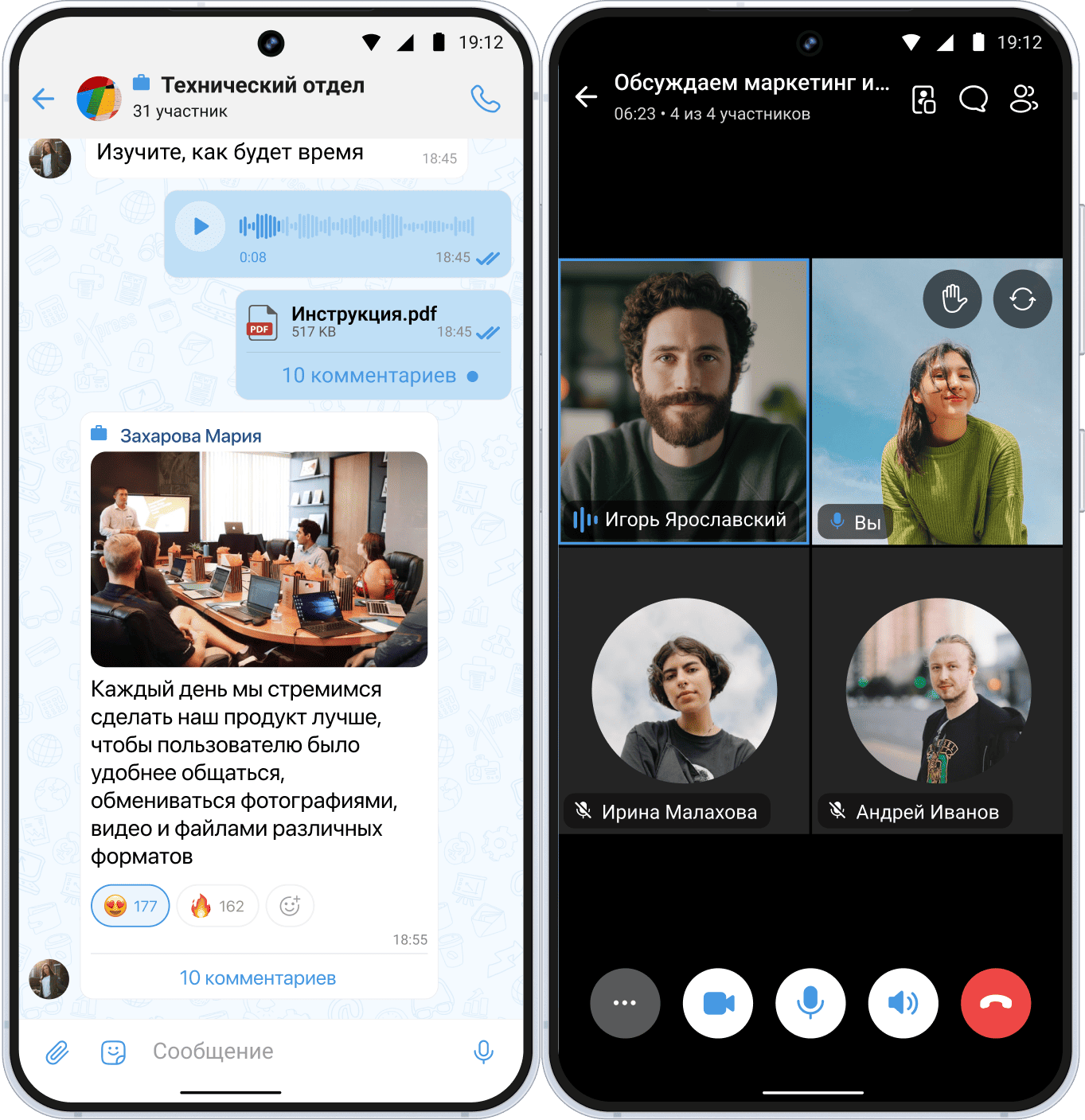
When the conversation stalls, switch on video
Video communication is not a replacement for chat, but a tool for stages where trust, visualization, or complex argumentation are critical.
Why move the dialogue to an online meeting
| Scenario | B2B | B2C (Premium) |
|---|---|---|
| Product Demo | Screen Sharing, Working with Demo Access | Virtual tour of the property, 3D product presentation |
| Meet the team | Show the experts the client will work with | Personal manager for transaction support |
| Discussion of complex terms | Integration, customization, legal nuances | Individual terms, personal configuration |
| Handling Objections | Vivid Arguments, Opportunity to Ask Clarifying Questions | Emotional Engagement, Removing Doubts |
When to initiate a video meeting
As mentioned earlier, moving correspondence from chat to a video meeting is necessary under special conditions, especially for the B2C segment.
- A “deadlock” has arisen in the chat: 3+ messages without progress.
- The client asks questions that require visualization, “what does it look like”, “show it in action”.
- It is necessary to coordinate details with several decision-makers at once.
- Commercial offer preparation stage: video makes it possible to clarify requirements and avoid revisions.
- The client has doubts about the company or organization, and trust or loyalty needs to be increased.
Let’s add an advertising block about eXpress
Technical infrastructure for sales in messengers
Even perfect scripts will not work if communication channels are unstable and managers spend time switching between tabs.
Omnichannel in one window
The manager should not:
- Switch between different messengers, social networks, and email.
- Manually copy data from chats into CRM.
- Search for correspondence history across different accounts.
Solution: a messenger aggregator integrated with CRM. All dialogues are in a single deal card, with automatic history saving and deal statuses.
Control and analytics for the head of sales
- Viewing chats in real time is not for micromanagement, but for helping in complex deals.
- Response templates with personalization = speed + quality.
- Metrics: response time, conversion from chat to deal, average number of messages before closing.
Security and stability: why it is critical to review the stack now
2024–2025 showed the vulnerability of foreign platforms. Restrictions on WhatsApp*, periodic Telegram failures, and risks of blocking corporate accounts are daily operational risks for business already today.
Consequences for business:
- Inability to reply to a message message → the client goes to a competitor.
- Service operation restrictions → loss of leads or client base.
- Lack of correspondence audit → risks during inspection, disputes, and inability to analyze the dialogue. .
Solution: switching to aggregators with Russian infrastructure. This way, you insure the sales department against technical failures and focus on work rather than “putting out fires”.
Conclusion
Sales in messengers require not universal advice, but a segmented approach. Key conclusions:
- Separate B2B and B2C at the process level.
- Use video calls where they are appropriate.
- Ensure technical reliability.
Check your current stack: if managers spend more than 15% of their time switching between applications and doing manual work, and you cannot guarantee message delivery to clients, this is a risk zone.